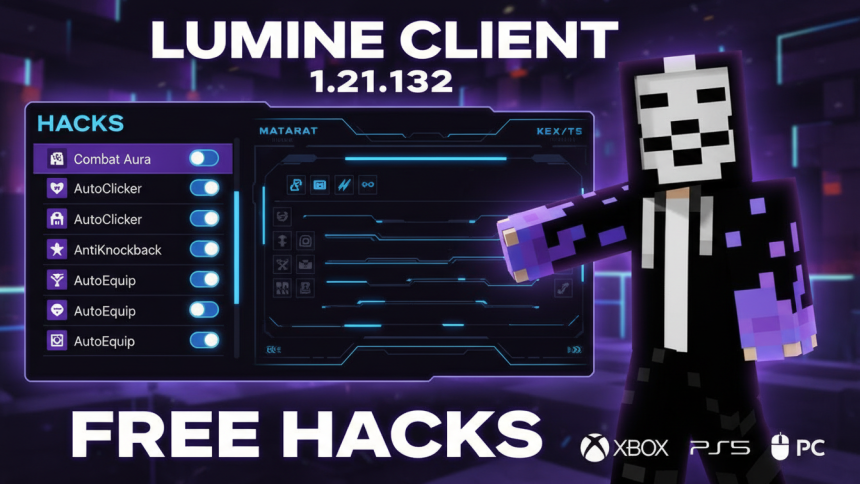
Lumine Client 1.21.132 is a free, web-based proxy service for Minecraft Bedrock Edition that enables cheats and hacks across all platforms without requiring local installation. This tool routes your connection through remote proxy servers, applying hacks server-side via a simple join code system.
What Is Lumine Client?
Lumine Client functions as a proxy-based hack client specifically designed for Bedrock Edition (MCPE). Unlike traditional clients that require APK downloads, Lumine operates as a web proxy, making it accessible from virtually any device. The platform supports Android, iOS, Windows PC, PlayStation 4/5, Xbox, and Nintendo Switch.
The core advantage of Lumine’s architecture is its server-side hack application. Rather than modifying your local game files, all cheats and utilities are processed through Lumine’s remote servers, reducing detection risks and compatibility issues.
- Cross-Platform Support: Works on Android, iOS, PC, PS4/5, Xbox, and Switch
- Zero Installation: Web-based proxy means no APK downloads needed
- Server-Side Hacks: All utilities applied remotely via join code system
- Free Access: Completely free web proxy service with no premium paywall
- Latest Version Support: Regularly updated to support the newest Bedrock versions
- Configurable Utilities: Save, load, and share custom hack configurations
How to Use Lumine Client 1.21.132
Step 1: Access the Web Proxy
Navigate to Lumine’s official web interface. The proxy operates entirely through your browser, eliminating the need for application downloads.
Step 2: Generate Your Join Code
Once logged in, the system generates a unique join code. This code is essential for connecting your Minecraft client to Lumine’s proxy servers.
Step 3: Connect to Servers
Launch Minecraft Bedrock Edition and select a server from Lumine’s available list. When the server loads, you’ll receive a popup prompting you to enter your join code. Input the code to establish the proxy connection.
Step 4: Enable Utilities
After connecting, access the utilities tabs containing various hacks. Toggle utilities on or off as needed. Each utility can be individually configured, and shortcuts can be enabled for quick access.
Available Hacks and Utilities
Lumine Client organizes its features into distinct sections:
- Combat Section: Utilities designed to enhance PvP performance
- Movement Section: Speed, flight, and navigation enhancements
- Miscellaneous Section: General utility features and tools
- Config Section: Custom configuration management
All utilities are completely free to access and use. You can create custom configurations, save them locally, and share them with other players.
Lumine vs. Lumina Client: Key Differences
| Feature | Lumine Client | Lumina Client |
| Installation Type | Web Proxy (No Download) | APK Download Required |
| Platform Support | All Platforms (Web-Based) | Primarily Android |
| Hack Application | Server-Side | Client-Side |
| Cost | Free | Free |
Compatibility with Realms
Lumine Client supports Minecraft Realms gameplay. To use hacks on Realms, follow the standard join code process outlined above. The proxy system handles realm code integration automatically, though Lumine’s Discord community provides detailed tutorials for any connection issues.
Safety and Detection Considerations
Because Lumine operates as a server-side proxy rather than modifying local game files, it reduces—though does not eliminate—detection risks. The architecture means Minecraft servers detect the proxy connection rather than client-side modifications. Use responsibly on servers where hacks are permitted.
Getting Started: Essential Links
Access Lumine Client through its official web interface. For technical support, join the community Discord where moderators provide setup tutorials and troubleshooting assistance. The GitHub repository contains open-source information for advanced users interested in the client’s architecture.
Relevant Video Guide:
– ChatGPT Becomes Patients’ “Ally” for Decoding Bills, Spotting Overcharges, and Appealing Denials
– New Illinois AI Notice Law Takes Effect Jan. 1: Employers Must Disclose AI Use in Decisions
– Allianz Partners with Anthropic to Deploy AI Globally Across Insurance Operations
See more in our Sitemap.