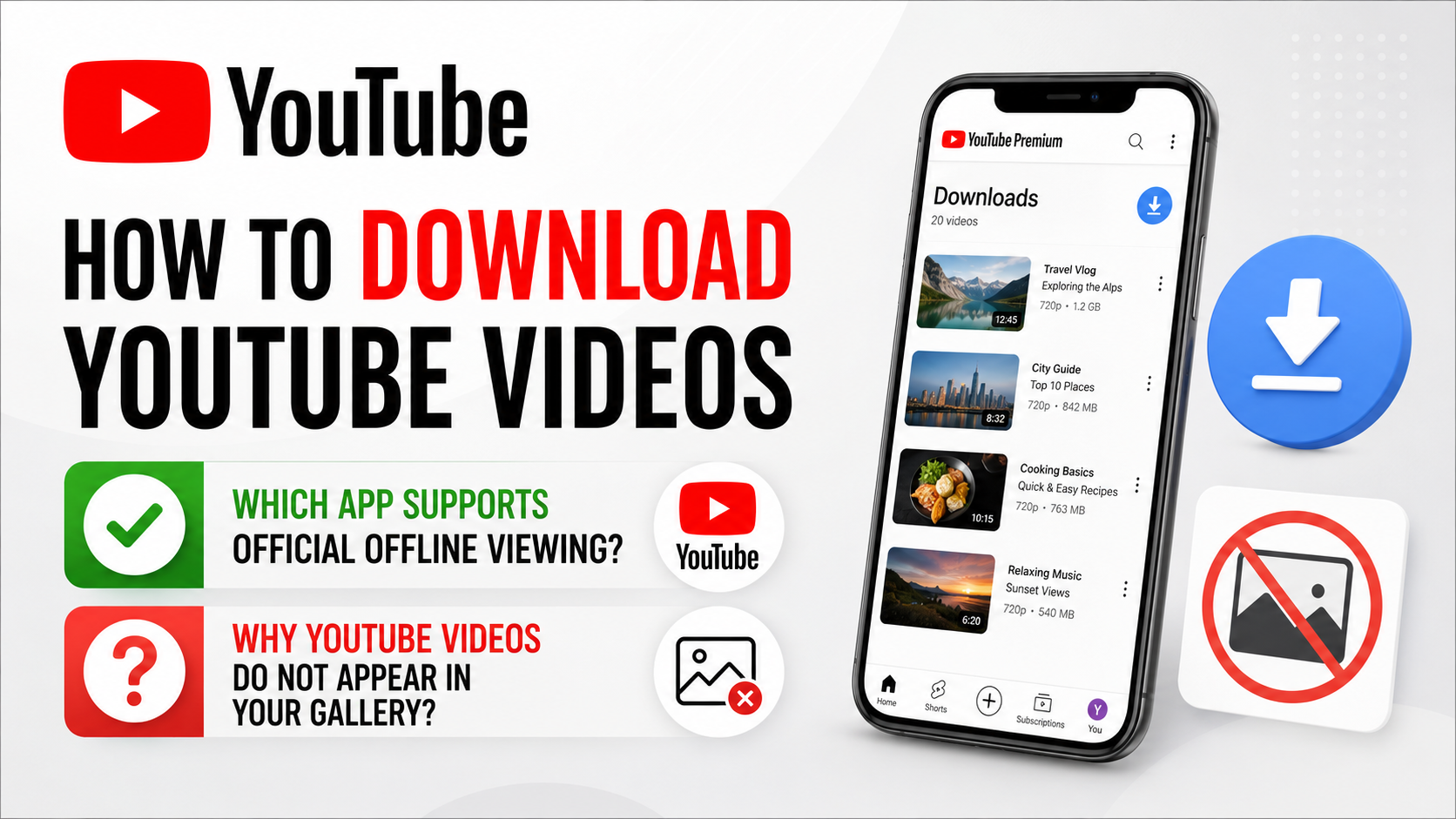
How to Download YouTube Videos: Which App Supports Official Offline Viewing?
If you are searching for “how to download YouTube videos which app,” the safest answer is the official YouTube app for Android and iPhone/iPad. In India, some videos can be downloaded directly in the mobile app, while other videos require a YouTube Premium membership. Premium members can also download videos on supported desktop browsers.
These downloads are for offline playback inside YouTube. They are not ordinary MP4 files that appear in your phone gallery or can be opened in another media player.
Key Takeaways
- Use the official YouTube app from Google Play or Apple’s App Store.
- In India, tap Download below an eligible video; some content requires YouTube Premium.
- YouTube Premium supports offline downloads on mobile and on Chrome, Edge, Firefox and Opera computers.
- Downloaded videos are encrypted and normally play only inside YouTube.
- Offline access is temporary and requires periodic internet reconnection.
- Avoid “YouTube downloader” websites and modified APKs because they can create security, privacy, copyright and account risks.
Which App Should You Use to Download YouTube Videos?

Use the official YouTube app, not a third-party downloader.
On Android, install or update YouTube through Google Play. On iPhone or iPad, download YouTube from the official App Store. Sign in with your Google Account before downloading.
The correct app depends on what you want to save:
| Goal | Official option | Where the video plays |
|---|---|---|
| Watch eligible videos offline on a phone | YouTube app | Inside the YouTube app |
| Download videos requiring membership | YouTube Premium in the YouTube app | Inside YouTube |
| Watch offline on a computer | YouTube Premium on supported browsers | YouTube website |
| Listen to downloaded music | YouTube Music with the appropriate membership | YouTube Music app |
| Save your own uploaded videos | YouTube Studio or YouTube account tools | A normal video file may be available |
YouTube’s terms restrict downloading content unless the service expressly permits it or you have permission from the rights holder. The official Download button is the clearest way to stay within YouTube’s authorised options.
How to Download YouTube Videos on Android in India
India is among the countries where YouTube offers mobile offline downloads for certain content. Availability depends on the individual video, rights restrictions and your account.
Step-by-step method
- Open the official YouTube app on your Android phone or tablet.
- Sign in to your Google Account.
- Search for the video you want to watch offline.
- Open the video’s watch page.
- Below the video, tap Download. If the button is hidden, tap More and then Download.
- Select a download quality if YouTube asks you to choose one.
- Wait until the download finishes. The button changes to Downloaded or displays a filled download indicator.
- To watch it later, open the You tab and tap Downloads.
YouTube’s official India and selected-region guidance says downloaded videos may require an internet connection again after a limited period. In many cases, the app checks availability after 48 hours; some non-music content may remain available for up to 29 days, depending on location and content.
You must remain signed in to the same account used for the download.
If the Download button is missing
A video may not be available offline because:
- The creator or rights holder has disabled offline viewing.
- The video contains music or licensed material with restrictions.
- The video is private, age-restricted or otherwise unavailable for your account.
- YouTube requires Premium for that title.
- Your app, account or location does not support the feature.
In India, YouTube specifically states that a Premium subscription is required to download T-Series music videos. Other videos may also display a Premium prompt.
How to Download YouTube Videos on iPhone or iPad
The process on iOS is almost the same as on Android.
- Install the official YouTube app from the Apple App Store.
- Sign in to the Google Account associated with your YouTube or Premium membership.
- Open the video you want to save for offline viewing.
- Tap Download below the video. If necessary, tap More, then Download.
- Choose the available quality.
- Open the You tab and select Downloads to find the video later.
Downloads use iPhone or iPad storage, so check available space before saving long videos or playlists. Higher quality uses more storage and mobile data. For a mobile connection, it is usually sensible to enable Download over Wi-Fi only.
To change this setting, open your profile picture, select Settings, choose Background and downloads, and turn on Download over Wi-Fi only.
How YouTube Premium Downloads Work
YouTube Premium is the official paid option when a video cannot be downloaded with the standard mobile feature. Premium also enables downloads on computers.
To download on a computer:
- Sign in to your YouTube Premium account at YouTube.com.
- Open the video’s watch page.
- Click Download below the video.
- Select a quality if prompted.
- Open Downloads in the left-side menu to watch it offline.
According to YouTube Help, computer downloads currently work in Chrome, Microsoft Edge, Firefox and Opera. YouTube may add or change browser support, so use an updated version of one of these browsers.
Premium downloads are still controlled by YouTube. They are not unrestricted video files, and they may be removed if the video becomes unavailable or your membership status changes. You must periodically reconnect to the internet so YouTube can verify the content.
Premium Lite in India
Google announced Premium Lite availability in India at ₹89 per month in September 2025. In March 2026, Google said background play and downloads were rolling out to Premium Lite subscribers in India, with availability expanding over the following weeks. Because features can vary during a rollout, check the membership screen in your YouTube account before subscribing. Google’s India announcement says Premium remains the option for all videos, music content and YouTube Music benefits.
Do not rely on old articles that list plan prices or features without a date.
How to Save YouTube Downloads to an SD Card
Some Android phones support storing downloads on a microSD card. This can help if internal storage is limited.
- Insert a compatible SD card into the phone.
- Open YouTube and tap your profile picture.
- Select Settings.
- Tap Background and downloads.
- Turn on Use SD card.
- Download videos again.
YouTube does not currently provide a way to move existing downloads directly from internal storage to an SD card. Delete the existing download, select SD-card storage, and download it again. YouTube’s SD-card instructions also note that the card must have enough free space.
Why YouTube Videos Do Not Appear in Your Gallery
Official YouTube offline downloads are stored in an encrypted form. They are designed to be played by the YouTube app rather than copied, shared or opened in VLC, Gallery or another video player. This is why you may see the download inside YouTube but not as an MP4 file in your Files app.
If you need a normal video file, legitimate options include:
- Downloading a video that you uploaded yourself through YouTube Studio or Google Takeout.
- Asking the creator for a direct download link or permission.
- Using a creator-provided file for content that is explicitly licensed for downloading.
- Purchasing a movie or programme through an authorised service that provides downloads.
Do not paste a YouTube link into an unfamiliar website simply because it promises “free MP4 download.”
Security and Copyright Warnings
Third-party downloader sites and unofficial APKs may:
- Redirect you to deceptive advertisements or fake login pages.
- Install malware or unwanted browser extensions.
- Collect your Google credentials or browsing information.
- Provide modified files with unknown contents.
- Violate the uploader’s copyright or YouTube’s terms.
- Expose you to account suspension or takedown complaints.
Never install a modified YouTube APK claiming to unlock Premium downloads. Android’s “install unknown apps” setting does not make a file trustworthy. For the safest experience, use Google Play, the App Store and YouTube’s own Download control.
Downloading for personal offline viewing does not automatically give you permission to re-upload, sell, edit or distribute the content.
Troubleshooting YouTube Offline Downloads
Download is stuck
Switch to a stable Wi-Fi connection, reopen YouTube and retry. If the connection dropped, YouTube may resume the download automatically after reconnecting.
Not enough storage
Open Profile picture → Settings → Background and downloads to review storage and download quality. Delete completed downloads you no longer need. YouTube may block new downloads when very little device storage remains.
Video disappeared from Downloads
Reconnect to the internet and confirm that you are signed in to the same Google Account. A video can be removed if its rights or offline availability change.
Premium download is unavailable
Check that the membership is active, the payment has not failed and the device is authorised. Premium supports offline features on up to 10 devices at a time; repeatedly adding new devices can trigger YouTube’s device limit. YouTube explains this limit here.
Downloaded video will not play offline
Reconnect briefly, open YouTube and allow it to synchronise. Offline playback is not permanent and requires periodic verification.
Frequently Asked Questions
Which app is best for downloading YouTube videos?
The official YouTube app is the safest and authorised choice for Android, iPhone and iPad. Use YouTube Premium when a video requires membership or when you want computer downloads.
Can I download YouTube videos directly to my phone gallery?
No. Official offline downloads are encrypted and normally playable only in the YouTube app. They do not function as ordinary gallery files.
Can I download YouTube videos without Premium in India?
Sometimes. Certain videos are available through the mobile app’s Download button without Premium, while others require a membership. The button on the video page indicates the current requirement.
Can I download YouTube videos on a laptop?
Yes, with YouTube Premium. Use YouTube.com in Chrome, Edge, Firefox or Opera, open a video and click Download.
How long do YouTube offline downloads last?
The period varies by country and content. YouTube commonly requires reconnection after 48 hours, while some non-music videos may work for up to 29 days. The app must check that the video remains available.
Why is there no Download button?
The video may have rights restrictions, the creator may have disabled offline viewing, or YouTube may require Premium. Updating the app and signing in can also resolve missing controls.
Is a YouTube downloader APK safe?
There is no general safety guarantee for unofficial APKs. They can be modified, contain malware or violate YouTube’s terms. Use the official YouTube app instead.
Can I download audio or MP3 from YouTube?
The YouTube app does not provide a general MP3-export feature. For authorised music downloads, use YouTube Music with the membership and features available in your region.