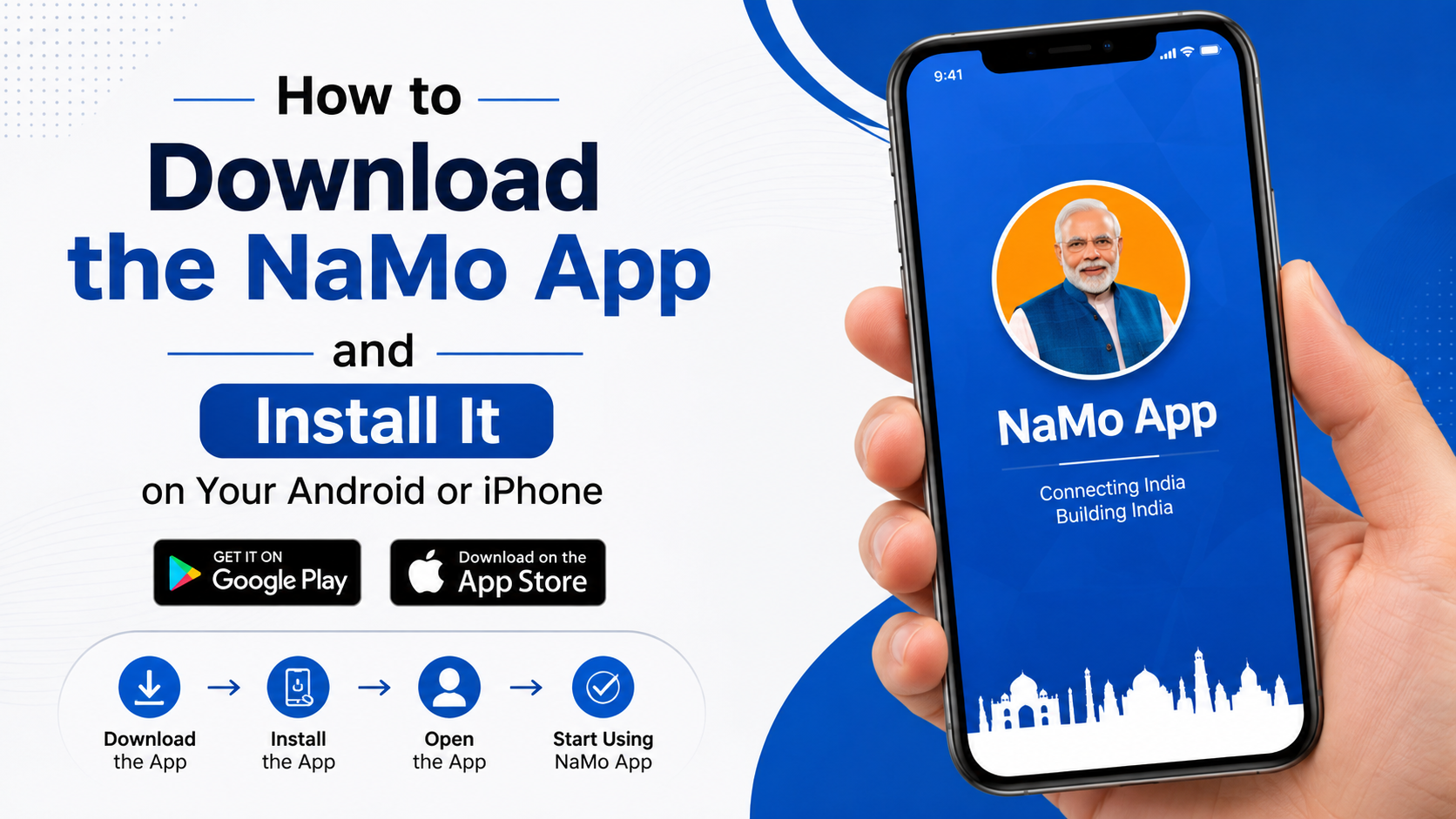
How to Download the NaMo App and Install It on Android or iPhone
If you are searching for how to download NaMo App, use the official app stores rather than an APK website or an unknown download link. On Android, the app is listed as “Narendra Modi App” on Google Play. On iPhone and iPad, it appears as “Narendra Modi” on Apple’s App Store.
The official Android listing identifies the developer as NarendraModi.in and shows the package ID com.narendramodiapp. The official iOS listing identifies the developer as Narendra Modi. These details help you avoid similarly named unofficial apps.
Key Takeaways
- Download the app from Google Play or the Indian App Store listing.
- Do not install a “NaMo APK” from an unverified website unless the official team specifically provides it.
- Android users should verify the developer name and package ID before tapping Install.
- iPhone users can install the free app with the Get button and confirm with Face ID, Touch ID or an Apple ID password.
- The app can be opened in guest mode according to its store description, although some features may require an account.
- If installation fails, check storage, internet access, operating-system compatibility and parental or security restrictions.
What Is the Official NaMo App?

The NaMo App, listed in stores as Narendra Modi App or Narendra Modi, is the official mobile application associated with Narendra Modi’s digital platform. Its store descriptions mention news and updates, government-related infographics, speeches, blogs, Mann Ki Baat content, videos, surveys, forums, volunteer activities and task-based participation.
The official NarendraModi.in website also promotes downloading the mobile app and provides a missed-call download option. The app’s privacy policy explains that users may browse in guest mode and that permissions are connected to specific features such as photos, contacts, location, notifications and OTP-related functions.
Features and availability can change after an app update. Always rely on the current store listing and the permissions shown on your own device.
How to Download NaMo App on Android
The safest method is to install it directly through Google Play.
Method 1: Install from Google Play

- Open the Google Play Store on your Android phone or tablet.
- Search for Narendra Modi App.
- Select the listing whose developer is NarendraModi.in.
- Confirm that the app package or listing URL corresponds to
com.narendramodiapp. - Review the app icon, rating and description.
- Tap Install.
- Wait while Google Play downloads and installs the application.
- Tap Open, or find the new icon in your app drawer.
You can also open the direct official listing here: Narendra Modi App on Google Play.
The Google Play listing currently describes it as the official mobile app of Narendra Modi. It displays a 3+ content rating, more than 10 million downloads and an update date of June 6, 2025 on the page consulted for this guide. Store figures and update dates can change.
Method 2: Use the Official Website
If you are unsure which search result is genuine:
- Open NarendraModi.in.
- Choose the app download link shown on the official site.
- Follow the link to Google Play.
- Check that Google Play opens the listing for Narendra Modi App by NarendraModi.in.
- Tap Install.
The official website has also published instructions to give a missed call to 1800 20 90 920 to receive an app download link. This option may depend on the current service and your mobile operator. If it does not respond, use Google Play directly.
How to Install NaMo App on an Android Phone
After installation, open the app and allow only the permissions you are comfortable granting.
Depending on the features you use, the app may request access to notifications, photos or files, contacts, location, camera, microphone or SMS. The privacy policy says these permissions support particular functions, such as posting photos, connecting with communities, location-based updates, live video or OTP authentication.
You can generally:
- Open the app.
- Select a language if prompted.
- Choose Guest access, if available, or select Login/Register.
- Enter your mobile number or other requested details only if you want account-based features.
- Review permission prompts individually.
- Turn on notifications if you want alerts about updates and new content.
Denying a permission may disable the related feature without preventing basic browsing. You can change permissions later from Settings > Apps > Narendra Modi App > Permissions. Menu names differ slightly across Samsung, Xiaomi, OnePlus, Vivo, Oppo and other Android phones.
How to Download and Install NaMo App on iPhone
For iPhone or iPad, use Apple’s App Store. Do not download an iOS installation file from a website; iPhones normally install apps through the App Store.
- Open the App Store.
- Tap Search.
- Enter Narendra Modi.
- Select the app titled Narendra Modi in the News category.
- Verify that the developer is Narendra Modi.
- Check the listing details and compatibility shown for your device.
- Tap Get.
- Confirm with Face ID, Touch ID or your Apple ID password.
- Wait for the download to finish.
- Tap Open, or launch the app from the Home Screen.
Here is the official India listing: Narendra Modi on the App Store.
The listing consulted for this article describes the app as free, supports iPhone and iPad, and shows a download size of about 130 MB. Apple may display a different size depending on the device, operating-system version and current app build. Check the live listing before installing if storage or compatibility is a concern.
Android and iPhone Download Options Compared
| Platform | Official store name | Developer shown in listing | Installation method |
|---|---|---|---|
| Android | Narendra Modi App | NarendraModi.in | Google Play |
| iPhone/iPad | Narendra Modi | Narendra Modi | Apple App Store |
| Android alternative | Official NarendraModi.in site | Links to Google Play | Follow the store link |
| iPhone alternative | Official NarendraModi.in site | Links to App Store | Follow the store link |
There is no need to download a separate APK for a normal Android installation, and there is no legitimate need to sideload an iPhone IPA file.
Is a NaMo APK Safe to Download?
An APK is the installation package used by Android. Some websites offer “NaMo App APK” files, but an APK hosted outside Google Play may be modified, outdated or bundled with unwanted software. It can also request permissions that are unrelated to the app’s purpose.
For safer installation:
- Prefer Google Play or a download link from NarendraModi.in.
- Avoid pages that require several “Download” buttons, browser extensions or survey completion.
- Do not disable Play Protect merely to install an unknown file.
- Check the developer name and package ID.
- Keep Android and Google Play system updates enabled.
- If an APK was downloaded accidentally, delete it without opening it and run a security scan.
A third-party website cannot be treated as an official NaMo App source simply because it uses the words “Narendra Modi” or “NaMo” in its domain name.
Common NaMo App Download and Installation Problems
The app does not appear in search
Search for both Narendra Modi App and Narendra Modi. Confirm the developer and category instead of selecting the first similarly named result. You can also open the direct store links from the official website.
Google Play says the app is not compatible
Compatibility depends on your Android version, device certification, region and available hardware. Install pending Android updates, restart the phone and check whether Google Play services are current. If the listing still reports incompatibility, do not force-install an unofficial APK; use the official website for web-based content instead.
Download is stuck or fails
Try these steps:
- Switch between Wi-Fi and mobile data.
- Check that you have sufficient free storage.
- Pause other large downloads.
- Restart the phone.
- Open Settings > Apps > Google Play Store > Storage and clear its cache.
- Retry the installation.
On iPhone, check Settings > General > iPhone Storage, confirm your Apple ID is signed in and make sure the App Store is not restricted by Screen Time.
The app opens to a blank or white screen
A blank screen is often caused by a temporary connection, cached data or an app-side issue. Force-close the app, restart your device and try another network. Install any available update. If the problem continues, use the store’s App Support link or the contact details provided by NarendraModi.in.
Login or OTP is not working
Confirm that your mobile number has network coverage and can receive SMS. Enter the number in the format requested by the app, wait before requesting another OTP and avoid repeatedly submitting codes. Since the store description says guest access is available, try guest mode if you only need to read public content.
Notifications are missing
Enable notifications in both the app and your phone settings. On Android, battery optimisation may delay alerts; on iPhone, check Settings > Notifications > Narendra Modi and ensure Focus or Do Not Disturb is not suppressing them.
Privacy and Permissions
Read the permission prompts before accepting them. The privacy policy states that the app may process information such as your name, email address, phone number, location, device information and interactions to provide personalised content and communications. It also says users may grant or deny many permissions and request deletion of personal data by emailing support@narendramodi.in.
Only provide information needed for the feature you intend to use. If you do not want personalised notifications, location-based updates or contact access, deny those permissions and continue with the features that remain available.
Frequently Asked Questions
What is the official NaMo App name on Android?
It is listed as Narendra Modi App on Google Play, with NarendraModi.in shown as the developer. The package ID in the official listing is com.narendramodiapp.
What is the official NaMo App name on iPhone?
On Apple’s App Store, it is listed as Narendra Modi in the News category, with the developer shown as Narendra Modi.
Is the NaMo App free?
The Android and iPhone listings describe the app as free to download. Certain activities, merchandise or donation-related features may involve separate terms or transactions.
Can I use the NaMo App without registering?
The store descriptions state that the app can be accessed as a guest without entering an email address or phone number. Registration may be needed for personalised or participation-based features.
Can I install NaMo App on a Windows PC?
The current official listings reviewed here are for Android and iPhone/iPad. Avoid downloading Windows installers from unrelated websites. Use the official NarendraModi.in website for content that is available in a browser.
Why should I avoid unofficial NaMo APK files?
Unofficial APKs may be modified, outdated or unsafe, and their permissions may not match the genuine app. Google Play is the preferred Android installation source.
How do I update the NaMo App?
Open Google Play or the App Store, search for the app and tap Update when that button appears. Enabling automatic updates can help you receive bug fixes and security improvements.