

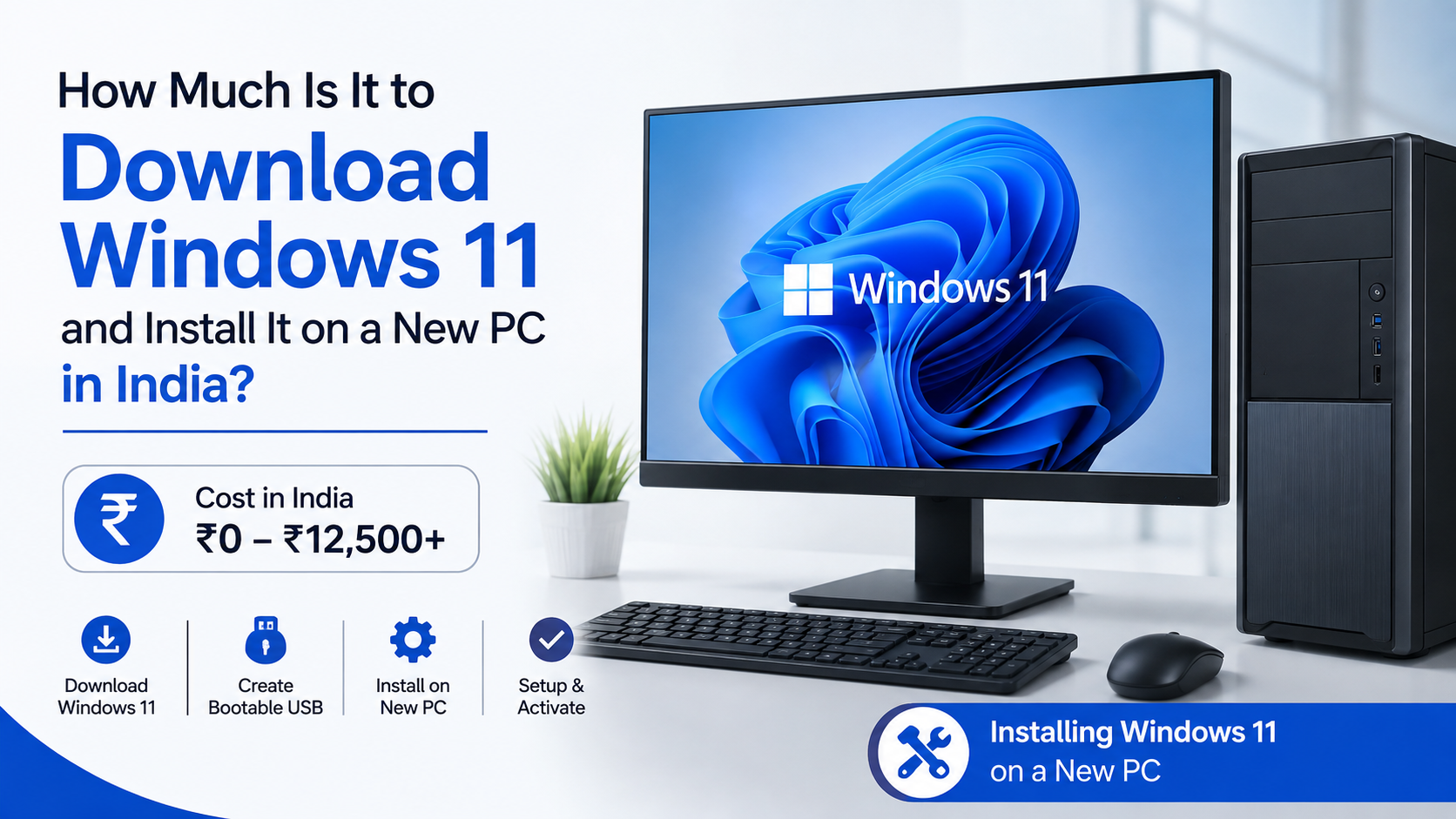
How Much Is It to Download Windows 11 and Install It on a New PC in India?
If you are assembling a new desktop or buying a laptop without an operating system, you may ask: how much is it to download Windows 11? The download itself is free from Microsoft. However, activating Windows on a new PC may require a genuine licence.
In India, Microsoft currently lists Windows 11 Home at ₹10,379 (including GST) and Windows 11 Pro at ₹16,515 (including GST) for digital download licences. A new branded laptop or desktop usually includes its Windows licence in the purchase price, so you normally do not pay these amounts separately.
Key Takeaways
- Downloading the official Windows 11 installer or ISO costs nothing.
- A new licence is required for activation on a custom PC without Windows.
- Microsoft India lists Windows 11 Home at ₹10,379 and Windows 11 Pro at ₹16,515, including GST.
- Installation may cost extra if a technician or local computer shop does it for you.
- Windows 11 requires a compatible 64-bit processor, 4 GB RAM, 64 GB storage, UEFI Secure Boot capability and TPM 2.0.
- Use Microsoft’s official download page rather than modified ISO files, “activators” or very cheap unknown product keys.
Is Downloading Windows 11 Free?

Yes. Microsoft provides Windows 11 through its official software-download website at no charge. You can download the Installation Assistant, Media Creation Tool or ISO file without entering a payment card.
The free download is the installation software—not necessarily the licence. After installation, Windows may run without activation, but some personalisation options are restricted and an activation watermark may appear. You should activate the system with a valid digital licence or product key.
Microsoft’s current download page identifies Windows 11 2025 Update, version 25H2, as the current release at the time of writing. Microsoft’s official Windows 11 download page provides the available installation methods.
Possible costs even when the download is free
You may still spend money on:
- Internet data, especially when downloading a large ISO
- An empty USB flash drive, normally at least 8 GB for installation media
- A USB-to-Ethernet adapter or Wi-Fi driver, if the new PC lacks network support
- Professional installation, if you do not want to install Windows yourself
- A Windows licence, if your computer does not already include one
Microsoft notes that internet-service-provider fees may apply when using its download tools.
Windows 11 Licence Prices in India
Microsoft Store pricing can change, so check the product page before purchasing. The following prices were displayed on Microsoft India’s store pages during the latest check:
| Edition | Microsoft India digital-download price | Suitable for |
|---|---|---|
| Windows 11 Home | ₹10,379 including GST | Home users, students and general personal use |
| Windows 11 Pro | ₹16,515 including GST | Professional users needing business and management features |
| Windows 11 Pro for Workstations | ₹22,799 including GST | Specialist high-performance workstation workloads |
Windows 11 Home and Windows 11 Pro are sold as digital downloads by Microsoft.
Windows 11 Pro includes capabilities intended for business and advanced administration, such as enhanced management and security features. Most home users do not need Pro simply for gaming, web browsing, Office applications or media use.
OEM Windows versus retail Windows
A branded computer from Dell, HP, Lenovo, ASUS, Acer or another manufacturer often includes an OEM Windows licence. The licence cost is built into the computer’s price and is usually stored in the device firmware or linked digitally to the hardware.
A self-built desktop may be sold without Windows, sometimes described as “DOS”, “No OS” or “barebones”. In that case, you must buy a licence separately if you want a fully activated system.
Be cautious with product keys sold for a few hundred rupees on marketplaces or social-media pages. They may be volume, reused, region-restricted or unauthorised keys. Microsoft’s official store or a reputable authorised seller is the safer choice.
How Much Does Windows 11 Installation Cost?
Microsoft does not publish one fixed consumer fee for installing Windows 11. If you install it yourself, the labour cost is ₹0. A local computer shop or technician may charge a separate service fee, but prices vary by city, PC type and whether drivers, updates and data migration are included.
Ask what the quoted service includes:
- BIOS or UEFI boot configuration
- Clean installation or upgrade
- Driver installation
- Windows updates
- Activation using your own licence
- Backup and restoration of files
- Installation of third-party software
Do not pay a shop to install a pirated copy or use an “activator”. Unofficial modified installers can contain malware and may break after updates. Download Windows only from Microsoft, then activate it with your own legitimate licence.
Windows 11 Minimum Requirements
Before buying a licence, confirm that the new PC meets Microsoft’s requirements:
| Component | Minimum requirement |
|---|---|
| Processor | 1 GHz or faster, two or more cores, compatible 64-bit CPU or SoC |
| Memory | 4 GB RAM |
| Storage | 64 GB or greater |
| Firmware | UEFI and Secure Boot capable |
| Security | TPM 2.0 |
| Graphics | DirectX 12 or later with WDDM 2.0 driver |
| Display | High-definition display, at least 9 inches, 720p |
| Internet | Required for updates and some features |
These requirements are listed in Microsoft’s Windows 11 requirements documentation.
The minimum specifications are not the same as ideal specifications. For comfortable use, a new PC with 8 GB or 16 GB RAM and an SSD will generally provide a better experience than a machine designed only around the minimum.
Windows 11 Home requires an internet connection and Microsoft account to complete initial setup. Microsoft also states that Windows 11 Pro for personal use requires internet connectivity and a Microsoft account during setup.
Safest Ways to Download Windows 11
Microsoft offers three main options.
Option 1: Installation Assistant
Use this when the PC already runs Windows 10 or Windows 11 and you want to upgrade it.
Microsoft says the Installation Assistant requires:
- A Windows 10 or Windows 11 licence
- Windows 10 version 2004 or newer for an upgrade
- At least 9 GB of free space for the download
- An x64 processor; it does not run on Arm-based PCs
Download the assistant from Microsoft, run it as administrator, accept the licence terms and select Accept and Install. The computer will restart several times.
Option 2: Media Creation Tool
Use this for a clean installation on a new or used x64 PC.
- Open Microsoft’s Download Windows 11 page.
- Download the Create Windows 11 Installation Media tool.
- Insert a blank USB flash drive with at least 8 GB capacity.
- Run the tool as administrator and accept the terms.
- Select Create installation media for another PC.
- Choose the language, Windows edition and 64-bit architecture.
- Select the USB flash drive and allow the tool to create bootable media.
The USB drive will be erased, so copy any important files from it first.
Option 3: ISO file
An ISO is a disc-image file used to create bootable media or install Windows in a virtual machine.
- On Microsoft’s download page, find Download Windows 11 Disk Image (ISO).
- Select the edition and product language.
- Download the ISO for the x64 PC.
- Create a bootable USB with Microsoft’s instructions or another reputable tool.
- Start the new PC from the USB and follow Windows Setup.
The ISO is a multi-edition image. Your product key determines which licensed edition can be activated.
Installing Windows 11 on a New PC
For a clean installation:
- Back up files if the storage drive has previously been used.
- Connect the bootable Windows 11 USB.
- Turn on or restart the PC.
- Open the boot menu, commonly with F2, F12, Delete or Esc, depending on the manufacturer.
- Select the USB drive.
- Choose language, time and keyboard preferences.
- Select Install Windows.
- Enter your product key, or choose the option to install without one and activate later.
- Select the correct edition that matches your licence.
- Choose the target drive and complete Setup.
- Connect to the internet, sign in with a Microsoft account and run Windows Update.
- Install drivers from the PC or motherboard manufacturer if anything is missing.
A clean installation can delete existing partitions. If you are unsure which drive or partition to select, stop and identify the storage device before continuing.
Activation: What Happens If You Do Not Have a Key?
After installation, open Settings > System > Activation. Windows will show whether it is activated and identify the edition installed.
You can install Windows first and activate later. However, activation does not become free merely because the installer was free. A new custom PC without an existing entitlement needs a genuine licence.
If the computer came with Windows, connect it to the internet and sign in with the Microsoft account associated with the digital licence. If activation fails, confirm that you installed the same edition—Home and Pro licences are not interchangeable.
Common Problems and Fixes
“This PC can’t run Windows 11”
Check TPM 2.0 and Secure Boot in UEFI firmware, and verify that the processor is supported. Microsoft does not recommend installing on unsupported hardware and warns that such devices may not receive support or updates.
USB does not appear in the boot menu
Try another USB port, recreate the installation media and check the manufacturer’s boot-menu instructions. Avoid changing firmware settings unless you understand the effect.
No Wi-Fi after installation
Use another computer to download the network driver from the PC or motherboard manufacturer, then transfer it by USB. A wired connection can also allow Windows Update to obtain drivers.
Activation error
Check the product-key characters, internet connection and installed edition. For an OEM licence, contact the computer manufacturer; for a Microsoft Store purchase, use the Microsoft account used for the purchase.
Installation stops or restarts repeatedly
Check the USB media, disconnect unnecessary peripherals and confirm that the target SSD is correctly detected in UEFI.
Frequently Asked Questions
Is the Windows 11 ISO free to download?
Yes. Microsoft provides the ISO without a download charge. You still need a valid licence to activate Windows on a new PC that has no existing entitlement.
Do new laptops include Windows 11?
Most branded laptops list the Windows edition in their specifications and include the licence in the purchase price. Check the product listing for “Windows 11 Home”, “Windows 11 Pro” or “No operating system” before ordering.
Can I install Windows 11 without a product key?
You can begin installation without entering a key and activate later. The unactivated system may have restrictions and reminders, so use a genuine licence for regular use.
Should I buy Windows 11 Home or Pro?
Choose Home for ordinary personal use. Choose Pro if you specifically need business-management, advanced security or professional networking features. Pro is not automatically faster for gaming.
How large should my installation USB be?
Microsoft recommends a blank USB flash drive with at least 8 GB for Media Creation Tool installation media. The tool erases the drive.
Can I install Windows 11 on unsupported hardware?
Microsoft warns against it. Unsupported installations can have compatibility problems and may not be entitled to updates or manufacturer warranty support.
Does installing Windows 11 delete my files?
An upgrade can preserve files when configured correctly, but a clean installation may erase the selected drive or partitions. Back up important documents before starting.
Where should I download Windows 11 in India?
Use Microsoft’s India software-download page. Avoid torrent files, cracked ISOs, activators and unofficial “pre-activated” installers because their authenticity and security cannot be trusted.




