

How to Download an Aadhaar Card PDF Online Using Your Aadhaar Details
If you need a digital copy, you can download an e-Aadhaar PDF from the official myAadhaar portal. UIDAI allows you to use your 12-digit Aadhaar number, 16-digit Virtual ID (VID) or 28-digit Enrolment ID (EID). A one-time password (OTP) is sent to the mobile number registered with your Aadhaar.
The downloaded e-Aadhaar is digitally signed by UIDAI and is legally equivalent to the physical Aadhaar letter for official purposes, according to UIDAI.
Key Takeaways
- Use only UIDAI’s official myAadhaar website or the official mAadhaar app.
- You can download the PDF with an Aadhaar number, VID or EID.
- OTP authentication requires access to your registered mobile number.
- The PDF is password protected using the first four characters of your name and birth year.
- You can choose a regular Aadhaar PDF or a Masked Aadhaar showing only the last four digits.
- Never share your Aadhaar PDF, OTP, password or VID publicly.
What You Need Before Downloading Aadhaar
Keep the following information ready:
- Your Aadhaar number, VID or enrolment ID.
- The mobile phone linked to your Aadhaar.
- Access to SMS or the mAadhaar app for OTP/TOTP authentication.
- A PDF reader such as Adobe Acrobat Reader or another compatible viewer.
- A stable internet connection.
An EID is the 28-digit number printed on your Aadhaar enrolment or update acknowledgement slip. It contains the enrolment number and the date and time of enrolment.
If you no longer remember your Aadhaar number, UIDAI also provides a Retrieve Lost or Forgotten UID/EID service.
How to Download an Aadhaar Card PDF Using an Aadhaar Number
This is the quickest method when you know your 12-digit Aadhaar number.
- Open the official UIDAI e-Aadhaar download page.
- Select Aadhaar Number.
- Enter your 12-digit Aadhaar number without spaces.
- Enter the security code or captcha shown on the screen.
- Select Send OTP.
- Enter the OTP received on your registered mobile number.
- If shown, choose Masked Aadhaar if you do not want the first eight digits displayed.
- Select Verify and Download.
- Save the PDF to your phone or computer.
The file may be saved in your device’s Downloads folder. Rename it only if necessary, and avoid uploading it to unknown websites or messaging groups.
Download e-Aadhaar Using Enrolment ID

You can use your EID if your Aadhaar number is unavailable but you still have the enrolment slip.
- Visit the official e-Aadhaar download page.
- Select Enrolment ID.
- Enter the 14-digit enrolment number from your acknowledgement slip.
- Enter the enrolment date and time exactly as printed on the slip.
- Complete the captcha.
- Select Send OTP.
- Enter the OTP sent to your registered mobile number.
- Select Download or Verify and Download.
Enter the date and time carefully. Even a small difference in the timestamp can cause the request to fail.
If your Aadhaar has not yet been generated, check the status first through UIDAI’s Check Enrolment and Update Status service.
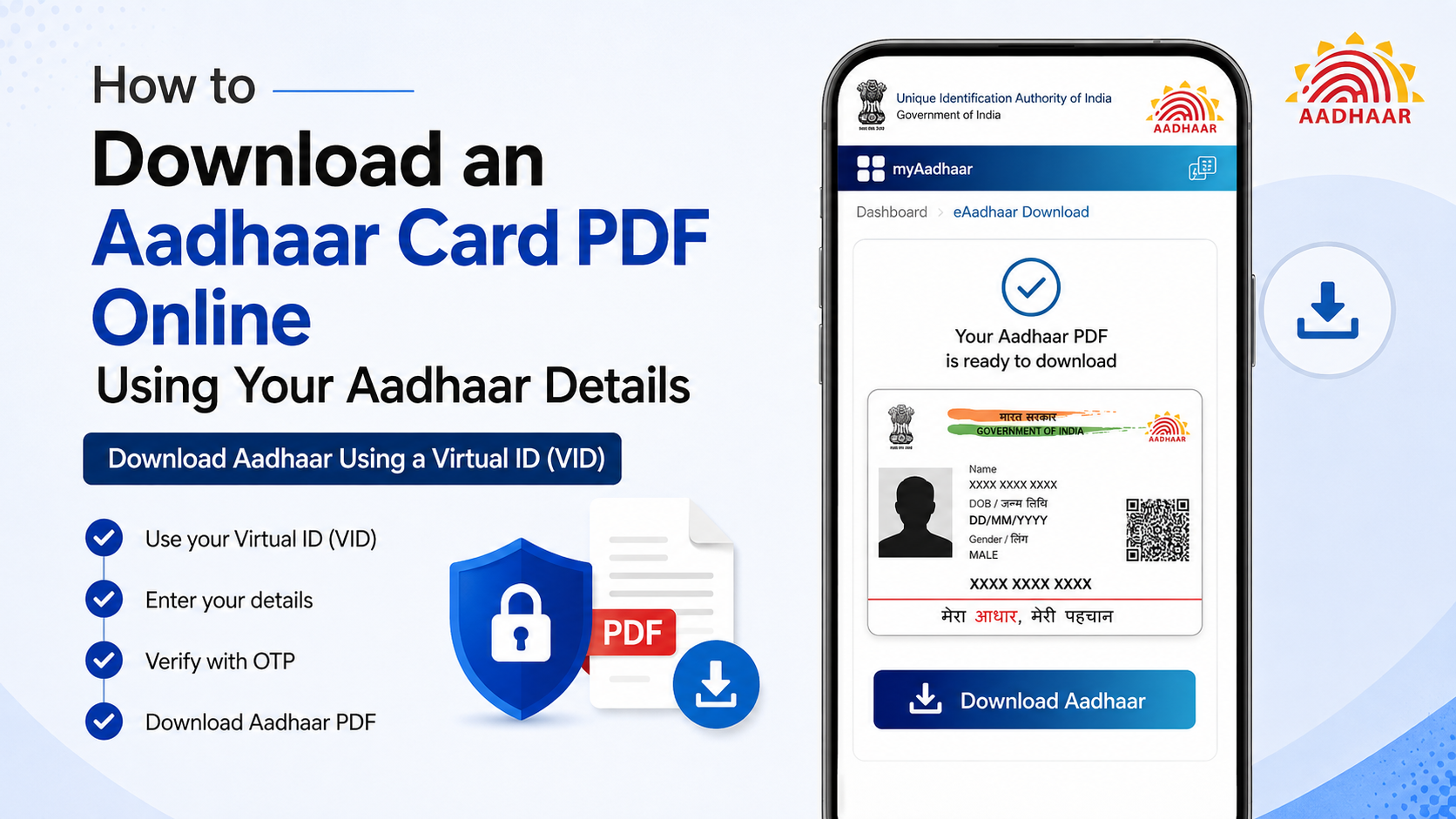
Download Aadhaar Using a Virtual ID (VID)
A VID is a temporary, revocable 16-digit number mapped to your Aadhaar. It can be used in place of the Aadhaar number for several UIDAI services.
To download with a VID:
- Open the official e-Aadhaar download page.
- Select VID if that option is displayed.
- Enter your 16-digit VID.
- Complete the captcha.
- Request an OTP.
- Enter the OTP received on your registered mobile.
- Select Verify and Download.
If you have forgotten your VID, UIDAI allows retrieval or generation through the myAadhaar portal, mAadhaar app and SMS services. The registered mobile number is generally required for these services.
How to Open the Downloaded Aadhaar PDF
The e-Aadhaar PDF is password protected. UIDAI states that the password consists of:
The first four characters of your name in CAPITAL letters + your year of birth in YYYY format
Examples:
| Name on Aadhaar | Year of birth | PDF password |
|---|---|---|
| Suresh Kumar | 1990 | SURE1990 |
| Sai Kumar | 1990 | SAIK1990 |
| P. Kumar | 1990 | P.KU1990 |
| Ria | 1990 | RIA1990 |
Use the name exactly as it appears on Aadhaar. For names shorter than four characters, use the complete name followed by the birth year.
For example, if the name is Ravi and the year of birth is 1985, enter RAVI1985.
If the password does not work, check capital letters, punctuation, spelling and whether the document displays only a year of birth rather than a complete date.
Regular Aadhaar and Masked Aadhaar: Which Should You Use?
A regular e-Aadhaar displays the complete 12-digit Aadhaar number. A Masked Aadhaar replaces the first eight digits with “xxxx-xxxx” and shows only the last four digits.
| Version | Number displayed | Suitable use |
|---|---|---|
| Regular e-Aadhaar | Full Aadhaar number | When the organisation specifically requires the full number |
| Masked Aadhaar | Only last four digits | General identity sharing and situations where the full number is unnecessary |
Choose Masked Aadhaar when a service provider only needs to verify your identity and does not require the complete number. Always follow the requesting organisation’s instructions.
Download Aadhaar Through the mAadhaar App
UIDAI’s official mAadhaar app provides Aadhaar-related services on supported mobile devices. Download it only from the official Google Play Store or Apple App Store listing published by UIDAI.
The general process is:
- Install the official mAadhaar app.
- Open the app and create or access your profile.
- Enter your Aadhaar details when requested.
- Complete OTP authentication using your registered mobile number.
- Open the Aadhaar download or document section.
- Download or view your e-Aadhaar.
App menus can change after updates, so use the current labels shown in the app. Do not install APK files shared through WhatsApp, Telegram, websites or unofficial download pages.
UIDAI also supports Time-based OTP (TOTP) through mAadhaar for certain services. TOTP is generated inside the app and can be used instead of an SMS OTP where the portal provides that option.
What If Your Mobile Number Is Not Linked to Aadhaar?
Online e-Aadhaar download requires OTP authentication. If you cannot receive an OTP because your mobile number is not registered, or you no longer have the registered SIM, you must update the mobile number at an Aadhaar Seva Kendra or enrolment centre.
For a forgotten Aadhaar number, UIDAI provides these alternatives:
- Use the online Retrieve UID/EID service if your registered mobile number or email is available.
- Call the UIDAI helpline at 1947 and follow the identity-verification process.
- Visit an Aadhaar enrolment centre for biometric authentication and a printout of the e-Aadhaar letter.
UIDAI’s official guidance says an enrolment-centre operator may charge ₹30 for a printout service. Confirm applicable charges at the centre and request a receipt.
Common Aadhaar Download Problems and Solutions
OTP is not received
Wait briefly and request a new OTP only once the resend option becomes available. Check mobile network coverage, SMS storage and whether the correct number is linked to Aadhaar. Never ask another person to share an OTP.
“Invalid Aadhaar number” appears
Check that you entered all 12 digits correctly and did not add spaces or hyphens. If the number is locked or suspended, contact UIDAI through 1947.
EID is rejected
Re-enter the enrolment number, date and timestamp exactly as shown on the acknowledgement slip. Do not substitute the update request number for the original EID.
PDF will not open
Use an updated PDF reader and enter the password in capital letters. Download the file again if it appears incomplete or damaged.
The downloaded Aadhaar shows old details
A PDF reflects the Aadhaar data available when it is generated. If you recently requested an update, wait until the update is processed and download a fresh copy.
Website is unavailable
Try again later using the official portal. Avoid switching to third-party “Aadhaar download” websites, which may collect personal information or distribute fraudulent documents.
Security Rules When Downloading and Sharing Aadhaar
Use these precautions:
- Check that the address begins with
https://myaadhaar.uidai.gov.inor belongs touidai.gov.in. - Never share an OTP, Aadhaar password, VID or full Aadhaar number with an unknown person.
- Do not email an unprotected Aadhaar PDF unless necessary.
- Prefer Masked Aadhaar where the full number is not required.
- Delete copies stored on public or shared computers.
- Do not use cyber-café computers without clearing downloads, browser history and saved files.
- Verify any request for Aadhaar through the organisation’s official website or helpline.
UIDAI does not require you to download Aadhaar through private agents, payment websites or unofficial mobile apps.
Frequently Asked Questions
Is downloading an Aadhaar card PDF free?
Yes. UIDAI provides e-Aadhaar download through the myAadhaar portal as a free online service. Charges may apply for separate centre-based printouts or other physical services.
Can I download Aadhaar without an OTP?
The normal online download requires OTP authentication on the registered mobile number. In some cases, UIDAI may offer TOTP through the mAadhaar app, but authentication is still required.
Can I download Aadhaar with only my name and date of birth?
No. The download service requires an Aadhaar number, VID or EID, along with OTP authentication. If you have lost your number, first use UIDAI’s UID/EID retrieval service.
Is e-Aadhaar valid like the original card?
UIDAI states that e-Aadhaar is a digitally signed electronic copy and is equally valid as the physical Aadhaar letter for official purposes.
What is the difference between Aadhaar and e-Aadhaar?
Aadhaar is the identity number issued by UIDAI. e-Aadhaar is the downloadable, password-protected PDF version of your Aadhaar letter.
Can I print the downloaded Aadhaar PDF?
Yes. You can print e-Aadhaar on ordinary paper for use where a physical copy is accepted. Keep the original PDF available for digital verification when required.
What should I do if I lost my registered mobile number?
Visit an Aadhaar Seva Kendra or enrolment centre to update your mobile number. Online download cannot normally be completed until you can receive the required authentication.
Should I download a Masked Aadhaar?
Masked Aadhaar is preferable when the recipient does not need your complete Aadhaar number. Use the regular version only when the requesting service specifically requires the full number.




