
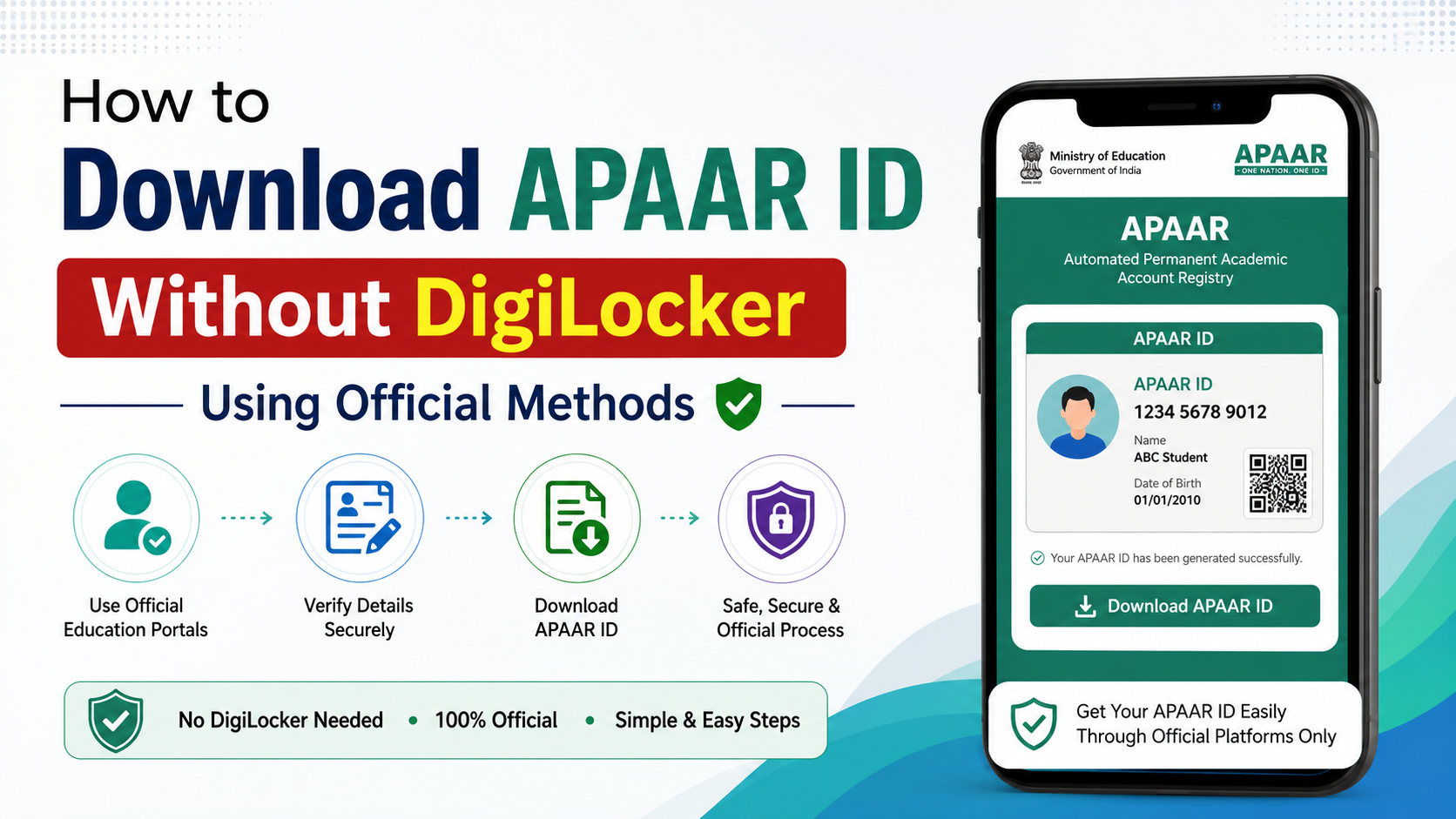
How to Download APAAR ID Without DigiLocker Using Official Methods
If you need your APAAR ID but do not want to use the DigiLocker app, you still have official options. You can try the Academic Bank of Credits (ABC) portal in a browser, use the UMANG service, or request help from your school, college or nearby Common Service Centre (CSC).
However, APAAR is not simply a PDF that anyone can download by entering an Aadhaar number. The ID must first be generated and authenticated through the authorised education system. The official APAAR website states that it is a unique 12-digit student identifier linked with the Academic Bank of Credits (ABC).
Key Takeaways
- The safest alternatives to the DigiLocker app are the ABC portal, UMANG, your institution and CSC services.
- Using a web browser instead of the DigiLocker app is still different from avoiding DigiLocker authentication entirely.
- School students generally need verification through UDISE+; minors require parental consent.
- Your name and date of birth should match Aadhaar and academic records.
- The student’s PEN (Permanent Education Number) is required for school-level APAAR generation.
- Do not use unofficial APKs or websites claiming to “recover” an APAAR card.
Can You Download APAAR ID Without DigiLocker?
Yes, but the available method depends on whether your APAAR ID has already been generated.
For higher-education students, the first option is usually the official ABC portal. You may be able to sign in through the MeriPehchaan authentication system and view your APAAR/ABC profile from a browser.
The Ministry of Education’s APAAR material identifies multiple channels, including:
| Official channel | Best use |
|---|---|
| ABC portal | Create or view an APAAR/ABC ID for higher education |
| UMANG | Access the APAAR service from a government-services platform |
| School or college | Verify details, generate an ID and resolve data errors |
| UDISE+ | School-level status checking by authorised officials |
| CSC | Assisted service for users who need help with online authentication |
The exact buttons can change as government portals are updated. If a portal redirects you to DigiLocker or MeriPehchaan for authentication, that is part of the official sign-in flow—not a separate unofficial website.
Method 1: Use the ABC Portal in a Web Browser
This method avoids installing the DigiLocker mobile application. It may still require an authorised identity provider during sign-in.
- Open the official Academic Bank of Credits website in Chrome, Edge or another updated browser.
- Open My Account and select Student.
- Choose the available sign-in option, such as mobile number, username or another MeriPehchaan-supported method.
- Enter your registered mobile number or login credentials.
- Complete the OTP, PIN or other identity verification requested on screen.
- Open your student dashboard and look for APAAR ID, ABC ID or profile details.
- If a card or document view is available, select View, Download or Print.
- Save the file only on your personal device and check that the 12-digit number is readable.
Some ABC sign-in journeys use DigiLocker as one of the authentication providers. If the page offers only DigiLocker authentication, there is no legitimate way to bypass that requirement by entering random details. Try UMANG or institutional assistance instead.
Method 2: Access APAAR Through UMANG
The government’s UMANG platform has been listed as an official channel for APAAR services. Availability can depend on your institution and the current UMANG interface.
- Open the official UMANG portal or the UMANG app.
- Sign in or create a verified UMANG account.
- Search for APAAR or open the Education category.
- Select the APAAR ID creation or retrieval service shown for students.
- Choose your institution and enter details such as admission year and roll or registration number, if requested.
- Complete OTP or identity authentication.
- Review the displayed student information carefully.
- Submit the request or open the generated APAAR record.
- Use the available download or print option. If no card download appears, note the ID and ask your institution for an official confirmation.
UMANG may redirect to another government authentication page. Keep the browser open during the redirect and do not share OTPs with anyone claiming to be a support agent.
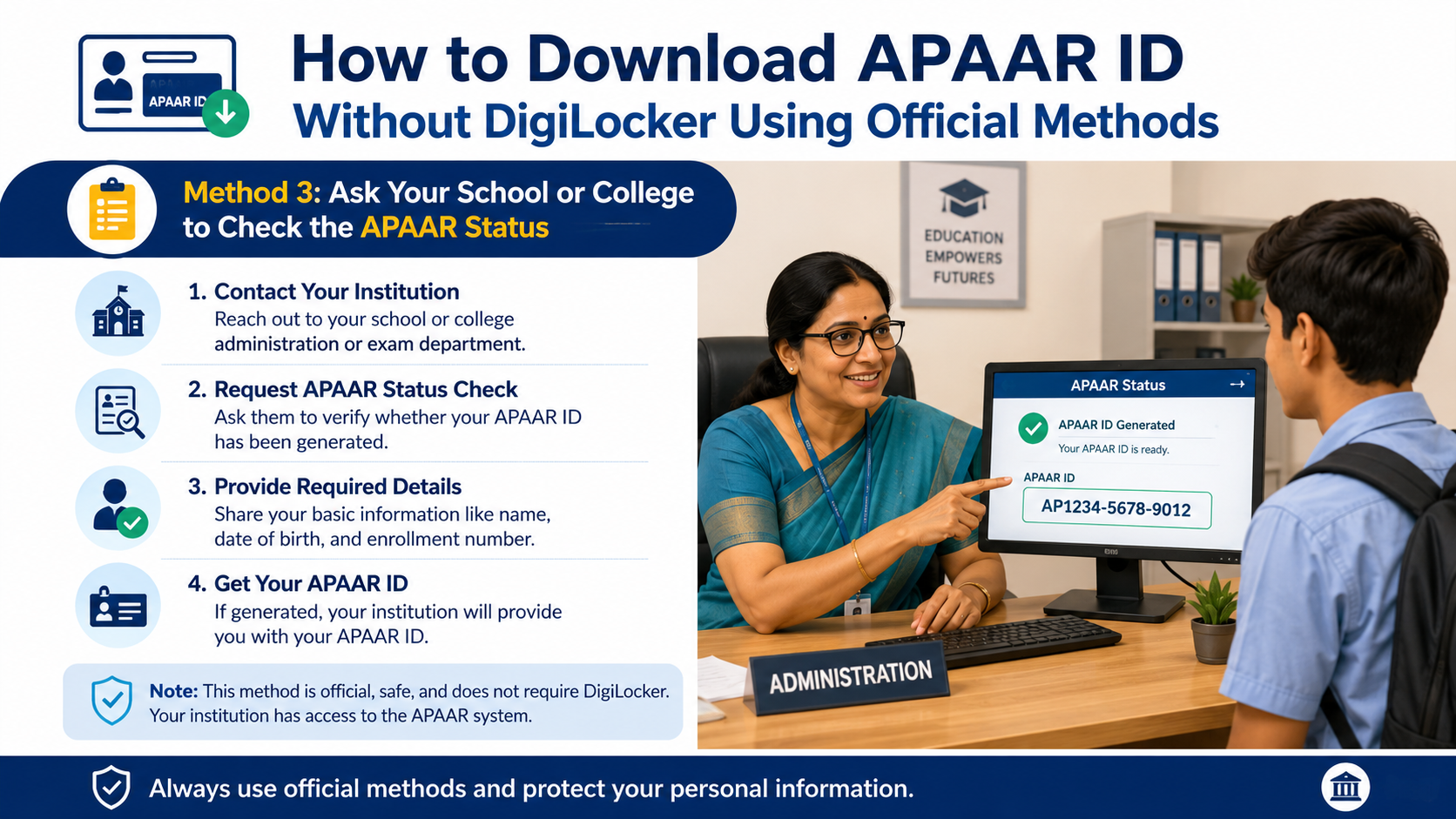
Method 3: Ask Your School or College to Check the APAAR Status
For school students, the institution is often the most reliable alternative to DigiLocker.
The official APAAR FAQ says that the school verifies demographic details, obtains parental consent where required, authenticates the student and generates the ID through UDISE+. Authorised school staff can check the APAAR module in UDISE+ and see whether the ID is:
- Generated
- Pending
- Failed because of a data mismatch
- Awaiting correction or verification
Ask the class teacher, school office or APAAR/UDISE+ nodal officer to:
- Confirm whether your APAAR ID has been generated.
- Check the name, date of birth, gender and Aadhaar details.
- Provide the 12-digit APAAR number through the school’s approved process.
- Tell you whether an official card printout is available.
Students should not create multiple IDs. If an ID already exists, generating another one can create confusion when academic credits are uploaded.
Method 4: Visit a Common Service Centre
A Common Service Centre (CSC) can help if you do not have a suitable smartphone, stable internet connection or confidence using government portals. APAAR was officially launched through CSCs for assisted access in remote areas, according to a Ministry of Education/PIB release.
At the CSC:
- Carry the identity documents requested by the operator.
- Use only an authorised centre.
- Enter your own mobile number where possible.
- Read the consent screen before approving authentication.
- Do not allow anyone to retain your Aadhaar photocopy or OTP unnecessarily.
- Ask for a receipt or acknowledgement of the service.
A CSC may help with creation or retrieval, but it cannot legitimately issue an APAAR ID that has not been generated in the official system.
Requirements for APAAR ID Generation
The official APAAR guidance lists the following information for generation:
- Student name
- Date of birth
- Gender
- Aadhaar details
- Aadhaar-linked mobile number where authentication requires it
- Parent details for school records
- Mobile number
- PEN for school students
- Institution, admission-year and roll-number details for many higher-education workflows
The name in UDISE+ or institutional records should match the name in Aadhaar. Differences such as missing initials, spelling variations or an incorrect date of birth can cause authentication failure.
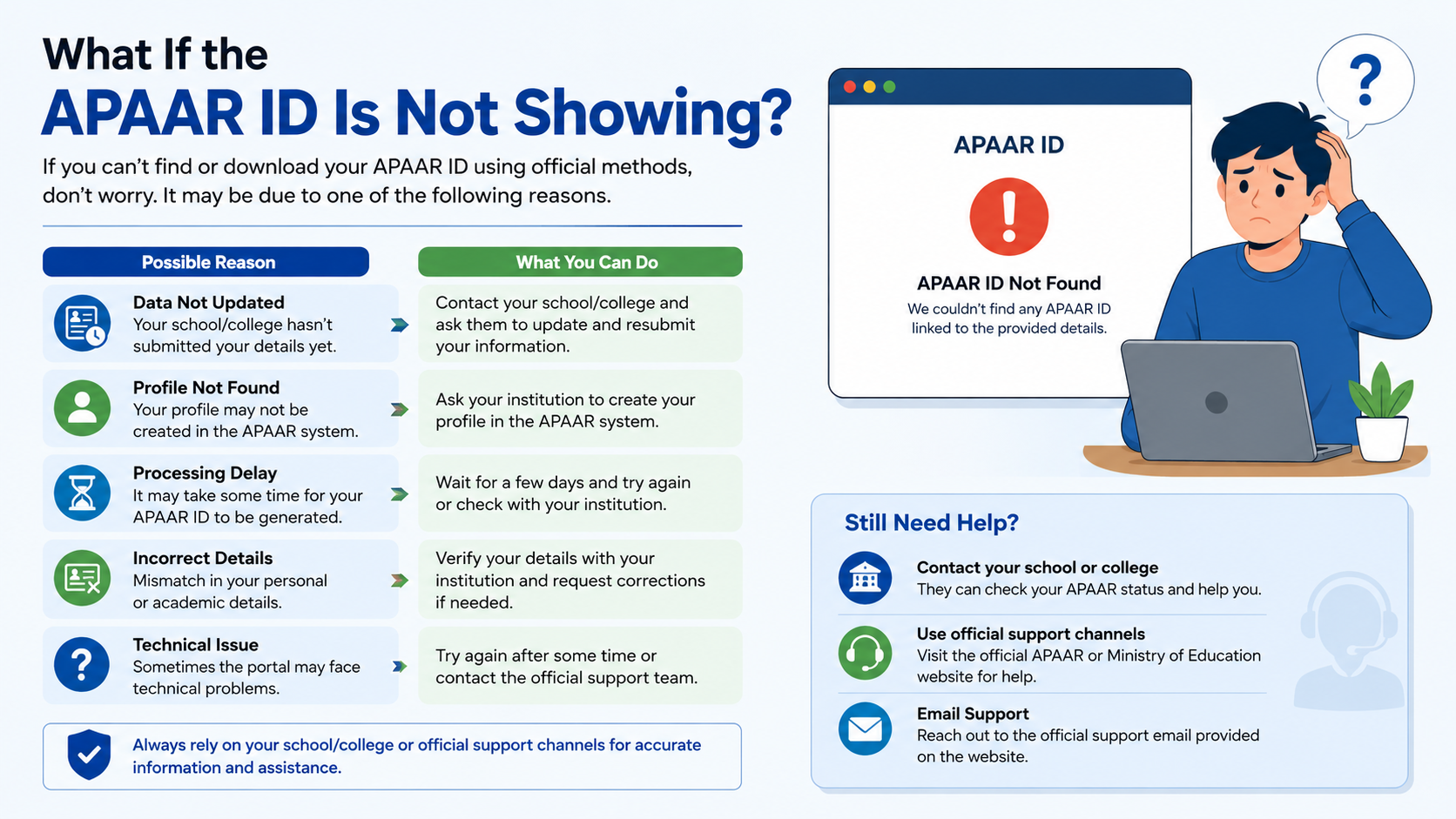
What If the APAAR ID Is Not Showing?
First determine whether the problem is generation or download.
If the ID was never generated
Contact your school or college and ask them to verify your records. School students may need parental consent and UDISE+ correction before generation can proceed.
If generation failed
The APAAR FAQ says failure can result from demographic mismatches. Request correction of the inaccurate record and resubmit through the authorised channel.
If the ID exists but no download button appears
Ask your institution to confirm the 12-digit number. Then try the ABC portal or UMANG again using a browser. A portal may display the ID without offering a separate PDF card.
If OTP does not arrive
Check that the mobile number is active, has network coverage and is linked to the identity account being used. Avoid repeated OTP requests within a short period, as this can temporarily limit attempts.
If you are below 16
DigiLocker’s official help material says students under 16 cannot create APAAR through DigiLocker and should contact their school. School-level generation and parental consent procedures therefore apply.
Is APAAR ID the Same as DigiLocker?
No. APAAR is the student’s academic identifier, while DigiLocker is a digital document-storage and access platform. The APAAR system can push the generated ID card to DigiLocker, but the two services are not identical.
ABC is the academic-credit platform associated with APAAR. Your institution uploads or maps academic credits against the APAAR/ABC identifier; students do not upload unverified credits themselves.
Security Advice
Use only these official domains:
apaar.education.gov.inabc.gov.inweb.umang.gov.inmeripehchaan.gov.in
Avoid websites offering “instant APAAR PDF downloads,” modified APK files or paid recovery services. Never share an Aadhaar OTP, DigiLocker PIN or MeriPehchaan password with another person. Check the spelling of the domain before entering personal information.
For unresolved technical issues, use the APAAR contact page, which provides a support ticket option and lists the toll-free number 1800 889 3511. Keep your institution name, application details and screenshots of the error ready when contacting support.
Frequently Asked Questions
Can I download APAAR ID directly from the APAAR website?
The APAAR website provides information, FAQs and support. It does not guarantee a public, direct PDF download for every student. Retrieval normally depends on the ABC, UMANG, DigiLocker or institution workflow.
Can I use ABC without the DigiLocker app?
You can access ABC from a browser, and the sign-in process may provide MeriPehchaan or other authentication choices. If the current page shows only DigiLocker authentication, use UMANG or request institutional/CSC assistance.
Is APAAR ID the same as ABC ID?
They are closely integrated and are often used interchangeably in student portals. APAAR is the student identifier, while ABC manages academic credits associated with that identifier.
Can a parent download a minor child’s APAAR ID?
A parent should contact the child’s school. For minors, the school’s verification and parental-consent process is generally required.
What should I do if my name does not match Aadhaar?
Ask your school or college to compare the Aadhaar and academic records. Correct the inaccurate record through the responsible authority before trying generation again.
Can I create two APAAR IDs?
You should not create multiple IDs. Ask your institution to trace and correct an existing record instead.
Does downloading the card cost money?
The official portals do not state a general APAAR download fee. A CSC may charge for assisted services, so ask for the applicable charge before proceeding.




