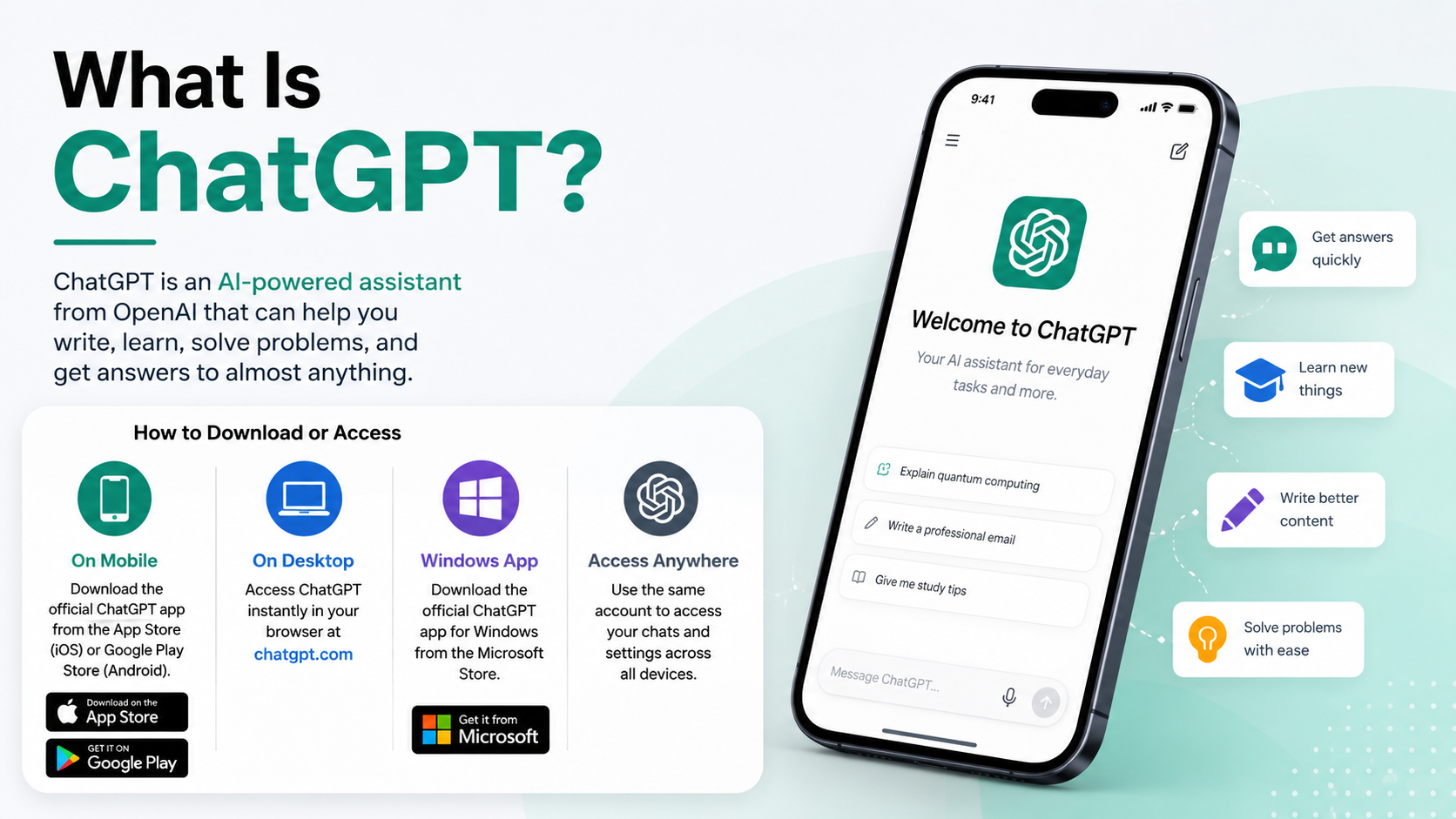
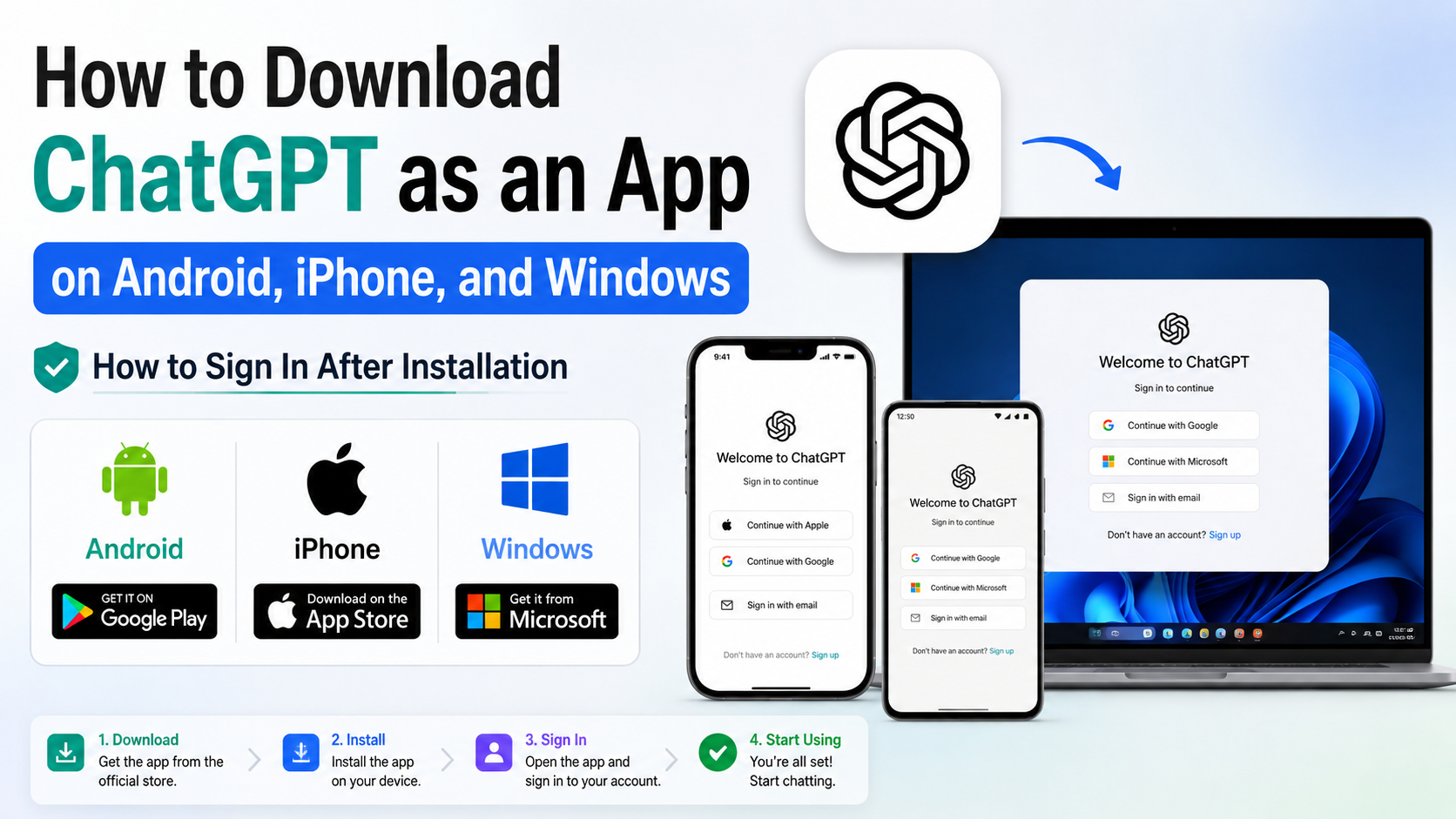
How to Download ChatGPT as an App on Android, iPhone, and Windows
If you are searching for how to download ChatGPT as an app, use OpenAI’s official download page or your device’s official app store. Android users should install ChatGPT from Google Play, iPhone users from the Apple App Store, and Windows users from the Microsoft Store. Avoid APK websites, unofficial installers and apps that do not list OpenAI as the developer.
ChatGPT is supported in India, although availability of some features can vary by account, plan, device and region. OpenAI’s supported-country list includes India. (OpenAI Supported Countries)
Key Takeaways
- The genuine mobile app is published by OpenAI.
- Android installation is done through Google Play; do not download a random ChatGPT APK.
- iPhone and iPad users need iOS or iPadOS 17 or later according to the current App Store listing.
- Windows users should use the Microsoft Store link on OpenAI’s download page.
- You can use ChatGPT in a browser if your device cannot install the app.
- The app can be free to download, but optional paid plans and in-app purchases may be available.
Official ChatGPT Download Options
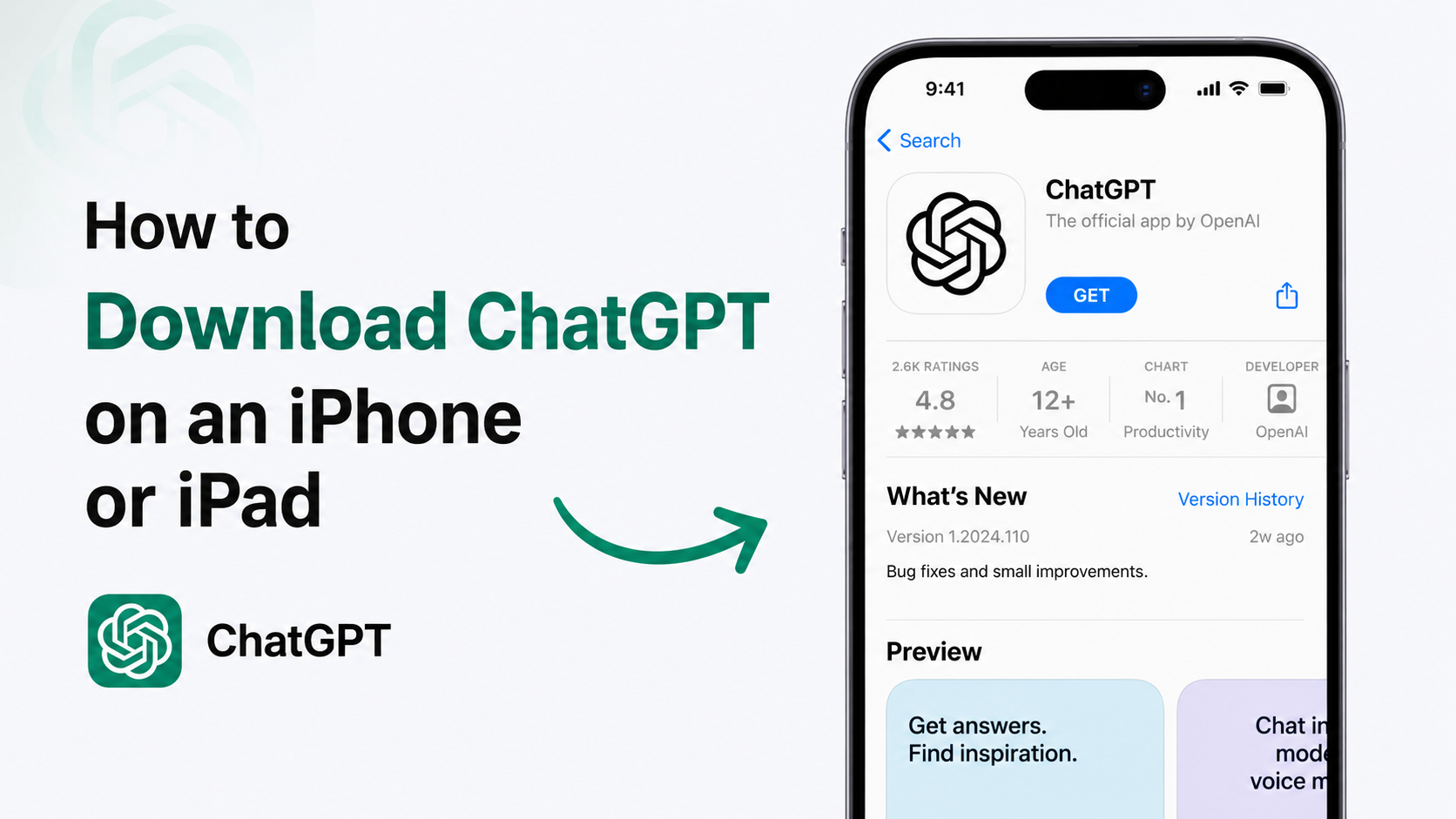
The safest starting point is OpenAI’s official ChatGPT download page. It links to the current mobile and desktop distribution channels.
| Device | Official download method | Important check |
|---|---|---|
| Android phone or tablet | Google Play Store | Developer must be OpenAI |
| iPhone or iPad | Apple App Store | Developer/seller must be OpenAI OpCo, LLC |
| Windows PC | Microsoft Store | Open the Store listing from OpenAI’s download page |
| Chromebook or Linux computer | Web browser | Use the official ChatGPT website |
| Mac | OpenAI’s desktop download page | Check macOS and processor requirements |
The app-store listing, interface and requirements can change. Always check the listing shown for your device before installing.
How to Download ChatGPT on Android
OpenAI recommends searching Google Play for “openai chatgpt” so that users can identify the official listing. The publisher should be OpenAI. (OpenAI Android installation instructions)
Steps to install ChatGPT on Android
- Open the Google Play Store on your Android phone or tablet.
- Tap the search box and type openai chatgpt.
- Select the app named ChatGPT with OpenAI shown as the developer.
- Check the icon, developer name and app details. Be careful with similarly named apps such as “AI Chat”, “Chat GPT AI” or “Chatbot Assistant”.
- Tap Install.
- Wait for the download to finish. Installation time depends on your internet connection and available storage.
- Tap Open.
- Sign in to an existing ChatGPT account or create a new account.
You can also open the Android listing directly from the Google Play ChatGPT page. The official listing identifies OpenAI as the developer.
Android installation tips
Use a stable Wi-Fi or mobile-data connection and keep sufficient free storage. If Google Play displays “This app isn’t available for your device”, update Android and Google Play services first. If the message remains, use ChatGPT in your browser instead of installing an APK from an unknown website.
How to Download ChatGPT on an iPhone or iPad
The official iOS app is distributed through Apple’s App Store. The current listing identifies the seller as OpenAI OpCo, LLC and states that the iPhone app requires iOS 17.0 or later. iPad users need iPadOS 17.0 or later. (Apple App Store listing)
Steps to install ChatGPT on iPhone
- Open the App Store.
- Search for ChatGPT.
- Select the listing named ChatGPT.
- Confirm that the developer or seller is OpenAI OpCo, LLC.
- Tap Get.
- Confirm with Face ID, Touch ID or your Apple ID password.
- After installation, tap Open.
- Sign in or create your ChatGPT account.
OpenAI’s download page also provides an iOS link and QR code.
If the iPhone app will not install
Check Settings > General > Software Update and install a supported iOS version. Also check your iPhone’s free storage and Apple ID payment or download restrictions. App Store availability can depend on your Apple account’s country or region settings; do not change regions solely to bypass availability rules.
How to Download ChatGPT on Windows
OpenAI currently links the Windows app through the Microsoft Store. Use the Windows button on the official ChatGPT download page, which redirects to Microsoft’s distribution channel.
Steps to install ChatGPT on Windows 10 or 11
- Open chatgpt.com/download in Microsoft Edge or another browser.
- Under the desktop section, select Windows.
- Allow the Microsoft Store to open, if prompted.
- Confirm that the listing is the official ChatGPT app from OpenAI.
- Click Get or Install.
- Wait for Windows to download and install the app.
- Select Open, then sign in to ChatGPT.
OpenAI’s Windows help page lists Windows 10 version 17763.0 or higher, on either x64 or Arm64, as the system requirement. It also notes that access and available features may depend on plan or organisation IT policies. (Using the ChatGPT Windows app)
Windows companion window
After installation, the Windows app includes a companion window that can be opened with Alt + Space when the app is running. If another program already uses that shortcut, change it under Settings > App > Companion window hotkey. On a work or college computer, Microsoft Store access may be controlled by an administrator.
What if Microsoft Store is blocked?
Do not download a random “ChatGPT.exe” from a file-sharing site. Try these legitimate alternatives:
- Ask your organisation’s IT administrator whether the Microsoft Store app can be deployed.
- Use ChatGPT at chatgpt.com in a browser.
- Install the website as a browser app using Microsoft Edge or Google Chrome, if your organisation allows it.
A browser-installed shortcut is not the same as a separately downloaded Windows installer, but it provides quick app-like access.
Do You Need to Pay to Download ChatGPT?
Downloading the official Android, iPhone or Windows app does not automatically require a paid subscription. ChatGPT may offer a free access tier, while optional plans provide different limits or features. Prices, taxes and billing options can vary by country and by whether you subscribe through the web, Google Play or Apple.
Check the price shown inside the app or on OpenAI’s official pricing page before subscribing. Never pay a third-party website that claims to provide a “premium APK” or an “activated” ChatGPT version.
How to Sign In After Installation
When you open the app, choose Log in if you already use ChatGPT on the web. Use the same email, Google login, Apple login or phone-based account method that you originally selected. Signing in to the same account allows your conversation history and settings to synchronise across supported devices.
India is included in OpenAI’s supported countries. However, an unsupported-country error can still appear if your network location, VPN or account region is detected incorrectly. Disable a VPN, check your connection and consult OpenAI’s support guidance rather than using a modified app.
How to Avoid Fake ChatGPT Apps
Fake apps can imitate the ChatGPT name, icon and screenshots. They may contain aggressive advertising, request unnecessary permissions, or attempt to collect login details.
Before installing, verify:
- The developer is OpenAI or OpenAI OpCo, LLC, as shown by the relevant store.
- The download begins from OpenAI’s official page, Google Play, Apple App Store or Microsoft Store.
- The app does not ask you to install a separate “activation” tool.
- You are not being redirected to an APK, ZIP or executable hosted on an unknown domain.
- You do not enter your ChatGPT password into a third-party website.
OpenAI specifically advises Android users to make sure the app is published by OpenAI. (Official Android guidance)
Troubleshooting Common Download Problems
“ChatGPT is not available in my country”
India is listed as a supported country, but availability can be affected by VPNs, store-region settings or network routing. Turn off the VPN, restart the store and try again. If the problem continues, use the official web version and contact OpenAI Support.
The app is stuck on “Pending”
Pause other downloads, check your Wi-Fi or mobile data, restart the app store and retry. On Android, updating Google Play services may help. On iPhone, check storage and restart the device.
I installed the wrong app
Uninstall it immediately, do not sign in, and install the listing published by OpenAI. If you entered your password into the wrong app, change your password and enable available account security controls.
The Windows app will not open
Restart Windows, install pending system updates and reset the app through Settings > Apps > Installed Apps > ChatGPT > Advanced options > Reset. OpenAI documents this reset path for the Windows app. (Windows app help)
Frequently Asked Questions
Is there an official ChatGPT app for Android?
Yes. The official Android app is available through Google Play and is published by OpenAI. Search for “openai chatgpt” and verify the developer before installing.
Is ChatGPT available on iPhone in India?
Yes. You can install it from the App Store if your iPhone meets the current requirement of iOS 17 or later and the app is available for your Apple account’s region.
Can I download ChatGPT on a Windows laptop?
Yes. OpenAI provides a Windows download through the Microsoft Store. Your Windows version, account access and organisation policies may affect installation.
Is there an official ChatGPT APK?
OpenAI’s consumer Android instructions direct users to Google Play. Avoid APK files from unofficial websites because they may be modified or malicious.
Can I use ChatGPT without installing an app?
Yes. Open chatgpt.com in a supported browser, sign in and use ChatGPT online. This is the practical option for Chromebook, Linux and unsupported devices.
Is the ChatGPT app free?
The official app can be downloaded without automatically purchasing a subscription. Optional paid plans or in-app purchases may be offered, so review the price and billing terms before confirming payment.
Why can’t I find ChatGPT in my app store?
Check your device compatibility, store country, internet connection and VPN settings. Search for the exact app name and verify OpenAI as the publisher. If the listing remains unavailable, use the web version.
How do I update ChatGPT?
Update it through Google Play, the App Store or Microsoft Store—the same official platform used for installation. Keeping automatic updates enabled helps deliver security and feature updates promptly.