

How to Download Songs on Spotify for Offline Listening With a Premium Account
If you are searching for how to do download songs on Spotify, the official method is straightforward: use the Spotify app with an active Premium subscription, open an album or playlist while online, and tap or click the Download button. Spotify stores the tracks inside its app for offline playback; it does not save them as MP3 files in your phone’s Downloads folder.
This guide covers Android, iPhone, iPad, Windows and Mac, plus data settings, storage limits, Offline Mode and troubleshooting.
Key Takeaways
- Spotify Premium lets you download albums and playlists for offline listening; individual songs must first be added to a playlist.
- Downloads work in the official Spotify mobile, tablet and desktop apps—not the web player.
- You can download up to 10,000 tracks on each of up to five devices.
- You must connect to the internet at least once every 30 days to keep downloads active.
- Spotify downloads are encrypted app data, not transferable MP3 files.
- Use Wi-Fi where possible, and avoid unofficial Spotify APKs or “Spotify to MP3” websites.
What You Need Before Downloading Spotify Songs
Check these requirements before starting:
| Requirement | What it means |
|---|---|
| Active Premium plan | Music downloads are a Premium feature. Spotify Free users can download podcasts, but not music. |
| Official Spotify app | Install Spotify from Google Play, the Apple App Store or Spotify’s official desktop download page. |
| Internet connection | You must be online when saving content. Wi-Fi is preferable for large playlists. |
| Available storage | Download size depends on playlist length and selected audio quality. Spotify recommends at least 1 GB of free space for downloads. |
| Current app version | Outdated apps can cause download and sync failures. |
| Periodic sign-in | Go online at least once every 30 days to keep offline downloads available. |
Spotify India currently lists offline listening on its Premium plans, including Standard, Platinum and Student plans. Prices and promotional offers can change, so check the official Spotify India Premium page before subscribing.
How to Download Songs on Spotify on Android
The Android procedure is the same on most phones, including Samsung Galaxy, Redmi, Realme, OnePlus, Motorola and Google Pixel devices.
Download an album or playlist

- Open the official Spotify app and sign in to your Premium account.
- Connect to Wi-Fi or mobile data.
- Search for an album, playlist or artist.
- Open the album or playlist you want to save.
- Tap the Download button, usually shown as a downward arrow.
- Wait until the arrow changes to a downloaded or green status indicator.
The download is complete when the status icon confirms that the playlist or album is saved. You can then play it without an active internet connection.
Download one song
Spotify does not provide a separate download command for an individual music track. Instead:
- Find the song.
- Tap the three-dot menu beside it.
- Select Add to playlist.
- Create a new playlist, such as “Offline Songs”, or choose an existing one.
- Open that playlist and tap Download.
This is the official solution for downloading selected songs without saving an entire album.
Allow downloads over mobile data
Spotify normally uses Wi-Fi for downloads to reduce data usage. To permit downloads on a mobile network:
- Tap your profile picture.
- Open Settings and privacy.
- Select Data-saving and offline.
- Turn on Downloads over cellular.
Downloading a large playlist over 4G or 5G can consume substantial data. If you use a limited Jio, Airtel, Vi or BSNL plan, Wi-Fi is usually the better option.
How to Download Spotify Songs on iPhone or iPad
The iOS steps are almost identical:
- Install or update Spotify from the App Store.
- Log in with your Premium account.
- Open an album or playlist while connected to the internet.
- Tap the Download arrow.
- Wait for the download indicator to complete.
For a single track, add it to a playlist first and download that playlist. Spotify downloads remain inside the Spotify app and cannot be browsed in the iPhone Files app as ordinary audio files.
To enable mobile-data downloads, open Profile picture → Settings and privacy → Data-saving and offline, then enable the cellular-download option if it is available in your app version.
How to Download Spotify Music on Windows or Mac
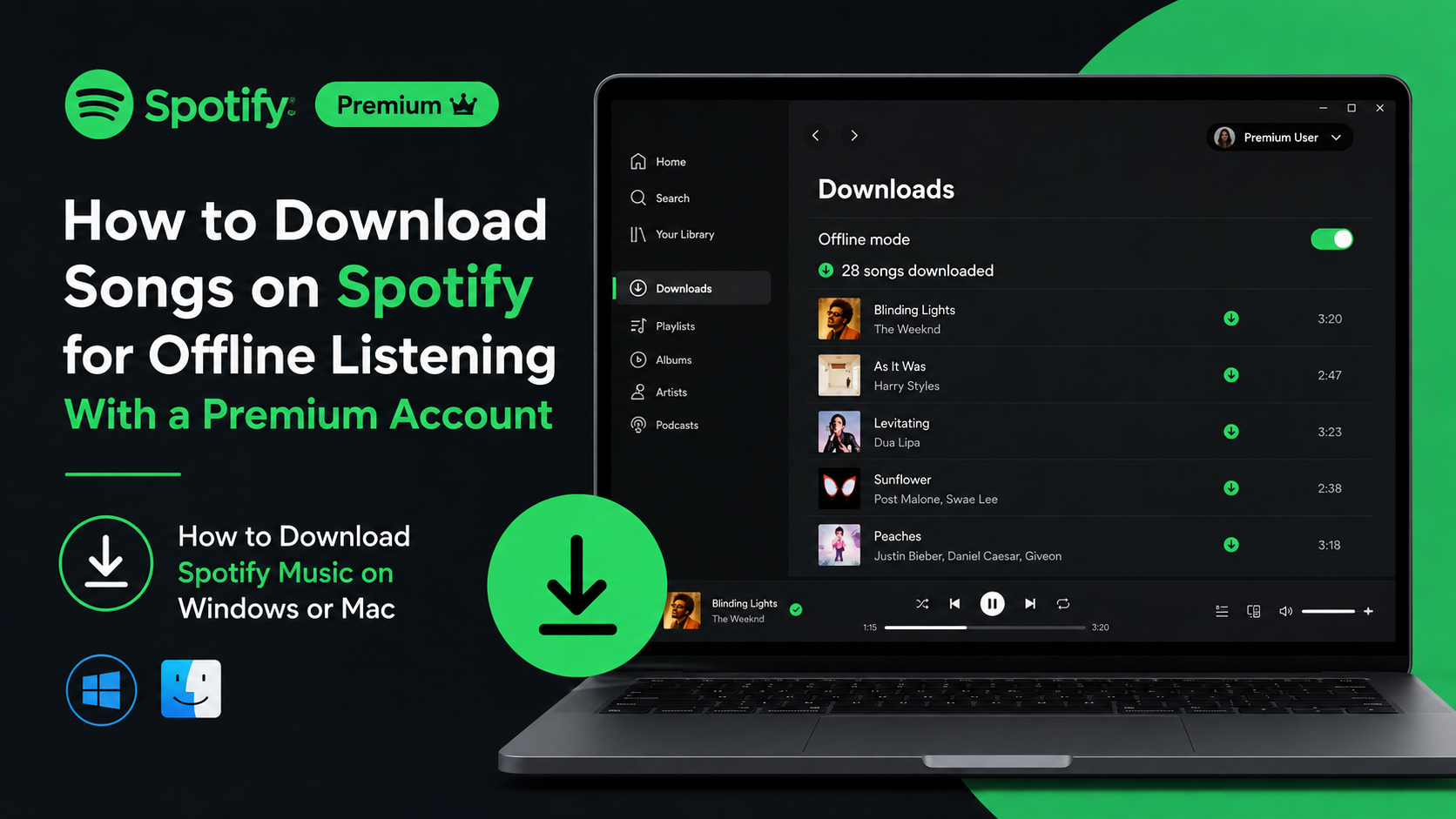
Music downloads are available in Spotify’s desktop application. The browser-based Spotify Web Player is designed for streaming and does not provide the same offline music-download function.
Desktop steps
- Install the official Spotify desktop app for Windows or macOS.
- Sign in to your Premium account.
- Make sure your computer is online.
- Open the playlist or album you want to save.
- Click the Download button.
- Wait for the download icon to show completion.
As on mobile, individual songs need to be placed in a playlist before downloading.
Turn on Offline Mode
Downloads normally play automatically when your connection disappears. You can also force Spotify to use only saved content.
- Windows: Open the three-dot menu, choose File, then select Offline Mode.
- Mac: Open the Spotify menu in the Apple menu bar and select Offline Mode.
Songs that have not been downloaded appear unavailable or greyed out while Offline Mode is active. Spotify’s official offline-listening help page documents these steps and limits.
Where Spotify Stores Downloaded Songs
Spotify downloads are cached and encrypted for playback within the Spotify application. They are not standard MP3, AAC or FLAC files that you can copy to a pen drive, share on WhatsApp or open in another music player.
You also cannot use the official download feature to:
- Export Spotify songs as MP3 files
- Transfer tracks to another music app
- Burn downloaded songs to a CD
- Keep the music after Premium access ends
- Share downloaded files with another person
If you need permanent, transferable music files, purchase DRM-free downloads from a legitimate music store or buy the artist’s official release. Do not enter your Spotify password into third-party downloader websites.
Download Limits, Quality and Storage
Spotify allows up to 10,000 downloaded tracks per device across a maximum of five devices. If you exceed the device limit, Spotify may remove downloads from the device you have used least recently. The limit applies to music and other downloadable content associated with your account.
You can control download quality in the app:
- On mobile, open Settings and privacy, then Audio Quality or Media Quality.
- Choose a separate quality setting for downloads.
- Lower quality saves storage and data.
- Higher quality uses more storage but may sound better with good headphones or speakers.
Spotify India advertises up to approximately 320 kbps on plans that support very high audio quality. Exact options can vary by plan, device and app version.
To free space, remove individual playlist downloads or use Settings and privacy → Data-saving and offline → Remove all downloads. Removing a download does not delete the playlist from your library.
Why Spotify Songs Are Not Downloading
Try these fixes in order:
- Confirm Premium status. Music downloads are unavailable on Spotify Free.
- Check the connection. Open another website or app to confirm that Wi-Fi or mobile data works.
- Open the content while online. Spotify cannot begin a new download in Offline Mode.
- Free storage space. Spotify recommends keeping at least 1 GB free.
- Check the device limit. Remove an unused device from your Spotify account if five devices already have downloads.
- Update Spotify. Install the latest version from the official app store.
- Disable battery or cache cleaners. Some Android cleaner apps delete Spotify’s cached downloads.
- Check the SD card. On Android, a faulty or removed SD card can make downloaded tracks disappear.
- Restart the app and device.
- Reinstall only as a last resort. Reinstallation removes existing downloads, so you will need to download them again.
If downloads disappear after working correctly, connect to the internet and sign in. Spotify requires an online connection at least once every 30 days to synchronise playback information and maintain offline access.
How to Listen to Downloads Without Internet
After downloading:
- Disconnect Wi-Fi and mobile data, or enable Offline Mode.
- Open Your Library.
- Select Downloaded on mobile, or open the downloaded playlist or album on desktop.
- Tap or click a track to play it.
Downloaded songs can still be unavailable if the track has been removed from Spotify, your Premium subscription has ended, the app was reinstalled, or the 30-day online requirement was missed.
Is It Safe to Use Spotify MOD APKs or Download Websites?
Unofficial MOD APKs and Spotify-to-MP3 websites are not legitimate alternatives to Premium downloads. They can contain modified code, malware, intrusive advertising or credential-stealing forms. They may also violate Spotify’s terms and copyright law.
For safe installation in India:
- Use Google Play’s official Spotify listing on Android.
- Use the Apple App Store on iPhone and iPad.
- Download the Windows or Mac app from Spotify’s own website.
- Never install an APK advertised as “Premium unlocked” or “no ads”.
- Never provide your Spotify login details to a downloader or converter service.
The official Premium download feature gives you licensed offline playback without exposing your account or device to those risks.
Frequently Asked Questions
Can I download individual songs on Spotify?
Not directly. Add the song to a playlist, then download the playlist. This is Spotify’s official method for saving selected tracks offline.
Can I download Spotify songs without Premium?
No. Spotify Free allows podcast downloads, but music downloads for offline listening require an active Premium plan.
Can I listen to Spotify downloads on a flight?
Yes. Download your music before boarding, then enable Offline Mode or turn off internet access. Connect online at least once every 30 days to keep the downloads active.
Does Spotify save downloaded songs as MP3 files?
No. Spotify stores encrypted app data. The tracks play only through Spotify and cannot be opened or transferred as ordinary audio files.
How many devices can have Spotify downloads?
You can download up to 10,000 tracks on each of five devices. If you download on more than five devices, Spotify can remove downloads from the least recently used device.
Why is the Spotify Download button missing?
Common causes include using Spotify Free, opening the Web Player, being offline, using an outdated app or viewing content that is not downloadable. Check your Premium account and use the official mobile or desktop app.
Will downloads remain after I cancel Premium?
Offline music access requires Premium. After Premium ends, downloaded tracks are no longer available for offline playback, although your playlists and saved library remain associated with your account.
Can I move Spotify downloads to an SD card?
Some Android versions and Spotify settings support SD-card storage, but the card must remain installed and working. If it fails or is removed, downloads may disappear and need to be saved again.




