How and Where to Download PSP Games Legally and Safely in India
If you are searching for how and where to download PSP games, the safest answer is: use games you purchased from an official store, redump your own UMD, or download legally released demos and homebrew. Avoid websites offering large collections of free PSP ISO or CSO files, because those downloads may contain copyrighted games, malware, fake installers, or intrusive advertisements.
Sony retired PSP purchasing functionality on July 2, 2021. Previously purchased PSP content can still be downloaded from the PSP’s Download List, while availability of older titles on PS3 or PS Vita depends on the region and account. Sony also states that PlayStation Store content varies by country or region. Sony’s official notice
Key Takeaways
- The original PSP Store no longer accepts new purchases.
- You can legally redownload PSP games bought through your PlayStation Network account.
- A PPSSPP emulator does not supply commercial games; use your own UMD or authorised digital copy.
- Physical UMDs from reputable sellers are a legitimate option for playing on a PSP.
- Free demos and homebrew games can be downloaded from recognised project websites.
- Random ROM, ISO and “PSP APK” sites carry copyright, malware and scam risks.
What Is the Legal Way to Get PSP Games?
There are four practical legal routes:
- Redownload a game you already purchased from PlayStation Store.
- Use an original UMD and, where legally permitted, create a personal backup for your own use.
- Buy a genuine used UMD from a reputable retailer or marketplace seller.
- Download officially released demos, freeware or homebrew games.
The legal position can depend on the game licence, your country and how a copy is made or shared. India’s Copyright Act, 1957 protects computer programs and provides penalties for knowing infringement. For a specific legal question, consult the latest text on the official Copyright Office website.
Owning a PSP does not automatically give you the right to download every game released for it. Likewise, finding an ISO online does not prove that the uploader had permission to distribute it.
1. Redownload PSP Games You Already Own
If you bought a PSP game digitally in the past, try Sony’s built-in download history before looking elsewhere.
On a PSP
- Connect the PSP to a reliable Wi-Fi network.
- Sign in to the PlayStation Network account used for the purchase.
- Open PlayStation Network and select Account Management or the Download List, depending on firmware and region.
- Locate the purchased title.
- Select the game and choose Download.
- Confirm that the Memory Stick has enough free space.
Sony’s support notice specifically says previously purchased PSP content remains downloadable through the device’s Download List. You may need to reactivate the correct account or restore licences if the title does not appear.
Using a PS3 or PS Vita
Some PSP titles remained available through PS3 or PS Vita storefronts after PSP purchasing functionality ended. However, the catalogue is region-dependent and Sony’s store policies can change. Do not assume that a title shown in an old guide is still purchasable in India.
Use the PlayStation console and account region where the purchase was made. Importing a game or changing regions can create payment, licence and compatibility problems.
2. Use Your Own UMD With PPSSPP
PPSSPP is an open-source emulator for playing PSP software on supported devices. PPSSPP does not distribute commercial game files. Its documentation recommends using games that you own and explains that PSP software can come from UMD discs or authorised downloads.
A UMD backup is commonly stored as an ISO or compressed CSO file. The file format itself is not illegal; the important issue is whether you obtained and share the game lawfully.
PPSSPP’s official dumping guide lists these general requirements:
- An original UMD and PSP
- A PSP running suitable custom firmware for the dumping process
- A USB cable
- A Windows, macOS or Linux computer with storage space
The process is broadly:
- Insert your original UMD into the PSP.
- Connect the PSP to a computer with USB.
- On compatible custom firmware, set UMD as USB Device from the Select menu.
- Choose USB Connection in the PSP settings.
- Copy the resulting ISO file to your computer.
- Keep the backup private and do not upload or share it.
Rules about personal copying differ by jurisdiction, so treat this as general information rather than legal advice. If you are unsure, use the UMD directly on a PSP.
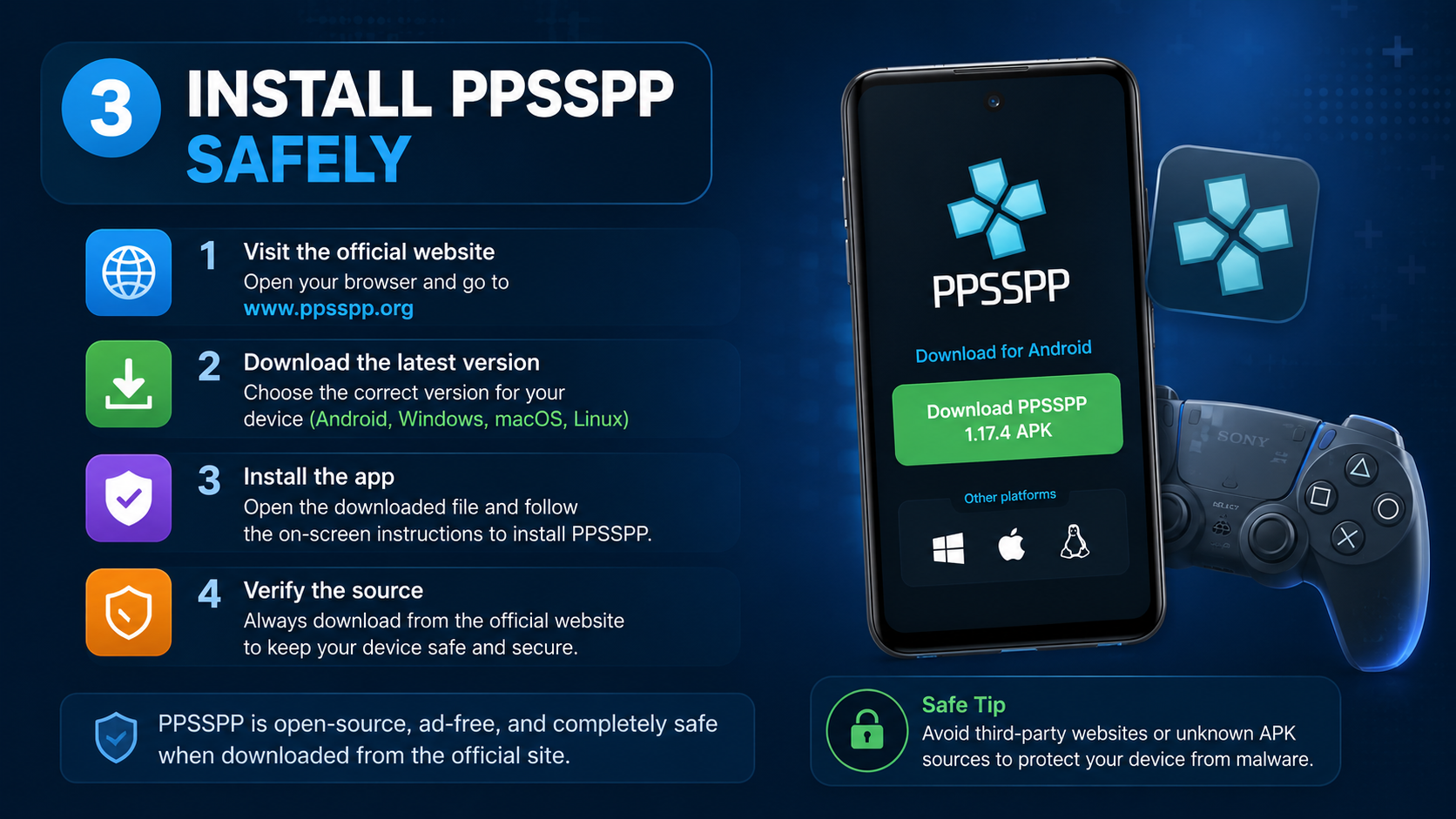
3. Install PPSSPP Safely
Download the emulator only from the official PPSSPP website or a recognised app store.
Android
- Prefer the Google Play listing linked from PPSSPP’s official download page.
- If Play Store is unavailable on your device, use the APK link provided by PPSSPP itself—not a third-party “mod APK” site.
- Check the developer name, app permissions and package signature where available.
- Enable automatic updates or periodically revisit the official site.
To load your own game on Android:
- Copy the ISO or CSO to a folder such as
PSP/ISO. - Open PPSSPP.
- Tap Games and browse to the folder.
- Tap the game icon to start it.
Do not install an APK that claims to include “all PSP games”, “unlimited ROMs” or “free premium games”. Such packages are frequently modified and can include spyware, aggressive advertising or hidden apps.
Windows, macOS and Linux
- Download PPSSPP from the official website.
- Install or extract the application.
- Store your legally obtained ISO/CSO files in an organised folder.
- Open PPSSPP and select File → Load, or browse from the Games screen.
- Configure controls, graphics and audio for your computer.
PPSSPP supports multiple desktop operating systems, but performance varies with hardware, game settings and the title itself. Lowering rendering resolution and disabling expensive effects can help on older Indian laptops.
4. Buy Physical PSP UMDs
For a real PSP, an original UMD remains the simplest legitimate option. You can look for used copies through:
- Established retro-game shops
- Reputable Indian gaming retailers
- Local second-hand stores that provide photographs and return terms
- Marketplaces with buyer protection and seller ratings
Before paying, check:
| Check | Why it matters |
|---|---|
| UMD disc condition | Scratches or cracks can prevent loading |
| Correct region and language | Some releases differ by territory |
| Case and label | Helps identify counterfeit or incomplete products |
| Seller history | Reduces the chance of scams |
| Return policy | Useful if the disc is unreadable |
| Price and shipping | Extremely cheap listings may be counterfeit |
A physical UMD is not the same as a download code. Be cautious of sellers advertising a “PSP game APK” or a direct ISO link with a physical purchase.
5. Free and Legal PSP Content
Not every PSP download is commercial piracy. PPSSPP points users toward free demos and homebrew games. Homebrew means software created and distributed by independent developers, often under a licence that permits free use.
Download free content only when:
- The developer or rights holder clearly provides it.
- The page explains the licence or distribution terms.
- The download is an expected format such as an EBOOT or archive.
- There is no requirement to install an unknown downloader.
- The site does not bundle unrelated executables.
A legitimate free download normally does not ask you to disable antivirus protection, enter card details for a “verification”, or install several browser extensions.
Why Random PSP ISO Websites Are Risky
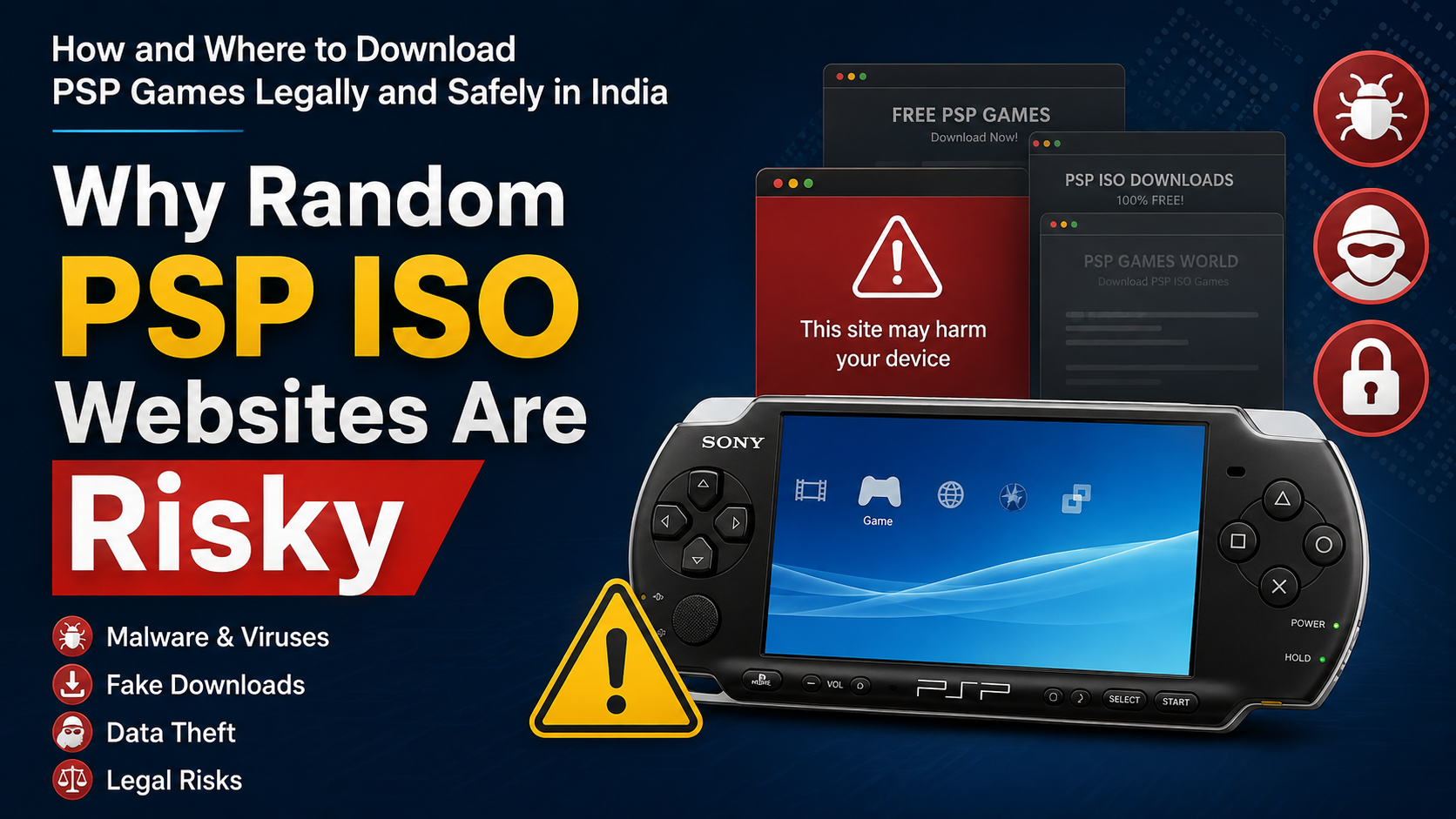
Search results often contain pages promising “PSP games free download”, “compressed PSP ISO”, or “PPSSPP games for Android”. These sites can expose you to several problems:
- Copyright infringement: Commercial games may be distributed without permission.
- Malware: ISO archives, EXE files and APKs can be modified.
- Fake download buttons: Advertisements may lead to phishing pages.
- Password-protected archives: A password may be used to hide malicious files.
- Broken or tampered games: Missing data can cause crashes or corrupted saves.
- Tracking and aggressive redirects: Some pages collect personal information.
- Legal and account risk: Sharing or downloading unauthorised copies can violate law or platform terms.
An antivirus warning should never be ignored merely because the game is old. Do not run an executable claiming to “unlock” an ISO; a PSP game normally does not require a Windows crack tool.
How to Check a Download Before Opening It
No process can guarantee that an internet file is safe, but these checks reduce risk:
- Download from the rights holder, official emulator project or recognised store.
- Confirm the address uses HTTPS and matches the organisation’s real domain.
- Avoid shortened links and multi-step redirect pages.
- Scan archives with updated security software.
- Do not open
.exe,.bat,.scror unexpected.apkfiles from a game archive. - Compare checksums only when the publisher or project provides an official hash.
- Keep your operating system, browser and emulator updated.
- Back up saved games before testing unfamiliar homebrew.
Never provide your Google, Apple or PlayStation password to a ROM website.
PSP, PPSSPP and File-Format Compatibility
| Use case | Typical legitimate source | Common format |
|---|---|---|
| Playing on original PSP | Purchased UMD or previously purchased PSN title | UMD, EBOOT |
| Playing your own backup in PPSSPP | Dump made from your UMD or authorised copy | ISO or CSO |
| Free independent software | Homebrew developer or project page | EBOOT, ISO or archive |
| Official demo | Publisher or archived official distribution | EBOOT or installer package |
An ISO is a disc image. CSO is a compressed ISO that can save storage but may increase loading overhead on some devices. EBOOT files are commonly used for downloadable PSP software and homebrew. Do not rename an unrelated file and expect it to become a working PSP game.
Troubleshooting Legal Downloads
The game does not appear in PPSSPP: Confirm that the file is extracted, placed in a readable folder and supported by the emulator. In PPSSPP, use Browse to select the exact location.
PPSSPP says the file is corrupted: Re-copy or re-dump your own game. A partial download, damaged archive or altered file is a common cause.
The PSP cannot see the game: Digital PSP games generally use the correct PSP/GAME structure, while ISO backups use the ISO folder on supported setups. Follow the documentation for your firmware and avoid random folder instructions.
The download list is empty: Check that you are using the original PlayStation Network account and that the device is activated. Regional availability and old account issues may require Sony support.
The game runs slowly on Android: Reduce internal resolution, disable texture enhancements and close background apps. Performance depends on the phone’s chipset and the individual game.
Frequently Asked Questions
Can I still buy PSP games from the official PlayStation Store?
Sony retired PSP purchasing functionality on July 2, 2021. Previously purchased content can still be redownloaded, and some PSP titles may exist on PS3 or PS Vita stores depending on region. The current Indian PlayStation Store primarily lists newer PlayStation and PC products.
Is downloading PSP ISO files legal in India?
Only when you have a lawful source and the distribution is authorised. Most commercial ISO websites do not demonstrate permission from copyright owners. Indian copyright rules are detailed and fact-specific, so consult the Copyright Office or a qualified lawyer for advice about copying and emulation.
Is PPSSPP itself legal?
PPSSPP is an emulator distributed by its developers. The legality of the game files you use is separate. PPSSPP’s own documentation directs users to their purchased games, personal dumps, demos and homebrew.
Can I download PSP games for free?
You can legally download demos, freeware and some homebrew games. A free download of a commercial title is not automatically authorised.
Can I play a UMD I bought on Android?
Not directly. Android phones do not have UMD drives. You need a legally obtained digital copy or a personal backup created from your own disc, subject to applicable law.
Should I download a “PSP games APK”?
No. PSP games are not normally distributed as Android APKs. An APK claiming to contain a full commercial PSP library is unofficial and may be unsafe. Install PPSSPP separately from its official source and provide your own game files.
Where should Indian users buy used UMDs?
Choose sellers with verifiable ratings, clear photos, buyer protection and a return policy. Avoid advance payment to unknown social-media accounts and listings that promise hundreds of games on one memory card.
What is the safest option for a beginner?
Use an original UMD on a working PSP, or install PPSSPP from its official source and load a game you legitimately own. This avoids suspicious websites, modified APKs and uncertain copyright claims.