How to Download Minecraft for Free Legally Using Official Free or Trial Options
If you search for how to download Minecraft for free, avoid cracked APKs, torrents and “unlimited full version” launchers. The complete commercial game is not permanently free, but Mojang and Microsoft provide legitimate trial and demo options. These let you test Minecraft on supported devices without downloading unauthorised files.
The quickest route is the official Minecraft Free Trial page. On PC, the official Minecraft Launcher provides a Java Edition demo after you sign in with a Microsoft account. Android users can install the official Minecraft Trial app from Google Play. Availability can vary by device and region, including India.
Key Takeaways
- The safest free download is through Minecraft’s official Free Trial page or an official app store.
- The PC demo requires the official Minecraft Launcher and a Microsoft account.
- Bedrock trials generally offer limited Survival gameplay and approximately 90 minutes of play.
- The Android trial is published by Mojang on Google Play; trial worlds do not transfer automatically to the paid game.
- Minecraft Education offers free demo lessons and limited trials for eligible school or organisation accounts.
- Cracked launchers and modified APKs can contain malware, steal accounts or violate copyright and Minecraft’s terms.
Is Minecraft Free to Download?
The Minecraft Launcher itself can be downloaded free, but downloading the launcher does not grant permanent access to the full game. A paid licence, Game Pass entitlement or an official trial is required to unlock the complete Java or Bedrock experience.
Minecraft’s official support page explains that free trials may have limited platform or regional availability. On PC, users who do not own Minecraft can sign in to the launcher and select the demo. Bedrock free trials are limited and normally provide single-player Survival gameplay, with commands, multiplayer and Realms unavailable during the trial. The official support information describes the trial as roughly 90 minutes, equivalent to about four and a half in-game days. See the Minecraft Free Trial support article for current eligibility details.
Official Ways to Download Minecraft for Free
| Option | Suitable for | What you receive | Main limitation |
|---|---|---|---|
| Java Edition demo | Windows, macOS and Linux PC users | Official demo through the launcher | Limited gameplay; full licence required afterward |
| Bedrock free trial | Selected supported platforms | Time-limited Survival trial | Availability varies by region and platform |
| Minecraft Trial app | Android devices | Official mobile Survival trial | No full creative or multiplayer experience |
| Minecraft Education demo | Students, teachers and families | Demo lessons; limited trial for eligible accounts | It is an education edition, not standard Minecraft |
| Realms trial | Existing Minecraft owners who qualify | 30-day private server trial | Requires the full game and may auto-renew |
1. Minecraft Java Edition Demo on PC
Java Edition is the original PC version and runs on Windows, macOS and Linux. You do not need to download a “free Java APK” or third-party launcher. The official launcher handles installation and account sign-in.
To start the demo:
- Open the official Minecraft download page.
- Download Minecraft Launcher for your operating system.
- Install the launcher using the downloaded installer.
- Open the launcher and sign in with a Microsoft account, or create one.
- Select Minecraft: Java Edition in the left-hand menu.
- If the account does not own the game, choose Play Demo or the available demo button.
- Allow the launcher to download the required game files.
- Select Singleplayer and create a demo world.
The launcher download is free; the demo is the legal free access option. Multiplayer servers, premium features and the full licence are not included. The exact buttons can change as Microsoft updates the launcher, so use the wording displayed in your version.
2. Minecraft Bedrock Free Trial
Bedrock Edition is the version used on mobile devices, consoles and Windows. Mojang distributes trials through the store for the relevant platform, but the company states that trials are not available everywhere.
Use the official process:
- Visit Minecraft Free Trial.
- Select your device or platform.
- Follow the link to the official Microsoft Store, Google Play, PlayStation Store or another authorised store.
- Install the trial and sign in if requested.
- Start a Survival world and check the remaining trial time.
The Bedrock trial is intended for evaluation rather than unlimited play. According to Minecraft Support, it normally allows about 90 minutes of play, commands are disabled, and online multiplayer and Realms are unavailable. You may be able to play offline after the initial setup, depending on the platform.
If the Free Trial page does not show an option for your Indian device, that usually means the trial is not currently offered for that platform or region. Do not replace it with an APK from an unknown website.
3. Minecraft Trial for Android
Android users should use the official Minecraft Trial listing on Google Play. The listing identifies Mojang as the developer and describes a free, time-limited Survival experience. It also states that creative mode, multiplayer and other full-game features require purchasing Minecraft, and that trial worlds do not transfer to the full game. Check the official Google Play listing.
Steps for an Android phone or tablet:
- Open the Google Play Store.
- Search for Minecraft Trial.
- Confirm that the developer is Mojang.
- Tap Install.
- Open the app and follow the sign-in or age-related prompts.
- Choose the trial mode and create a Survival world.
Avoid search results labelled “Minecraft free APK”, “Minecraft Premium unlocked” or “Minecraft full version free”. Even when an APK installs successfully, it may be modified, outdated or designed to capture your Google or Microsoft credentials.
The trial listing also notes that availability for purchasing the full game can depend on the device. If the trial or paid app is not visible, update Google Play, check your device’s country setting and use the official Minecraft website for support.
4. Minecraft Education Free Trial or Demo Lessons
Minecraft Education is a separate edition designed for schools, educators, camps and learning organisations. It is not a permanent free replacement for Java or Bedrock, but it can provide a legitimate way to explore Minecraft-style gameplay.
Download it from the Minecraft Education download page. Official downloads are provided for Windows, macOS, ChromeOS and iOS, with additional device guidance on the Education website.
There are two common routes:
- Free trial: Sign in with an eligible school, Microsoft 365 Education or organisation account. Personal Microsoft 365 accounts may not qualify.
- Demo lesson: On the welcome screen, choose the option to try a demo lesson without an account. Demo lessons are limited; features such as saving worlds or multiplayer may be disabled.
This option is most useful for students, teachers, parents exploring classroom activities, and educational clubs. It does not unlock the standard Minecraft Java or Bedrock editions.
5. Minecraft Realms Trial
Realms is a private, cloud-hosted multiplayer service, not a free copy of Minecraft. Eligible new subscribers may receive a 30-day Realms trial, but you still need access to Minecraft to create or join a Realm.
To check eligibility:
- Open Minecraft and select Play.
- Choose Create New World.
- Select Add a 10 Player Realm or Add a 2 Player Realm.
- Review the terms and privacy policy.
- If shown, select Start Trial.
Minecraft states that the Realms subscription automatically renews unless cancelled. Check the renewal terms carefully, especially when using an Indian payment method. Details and supported editions are listed on the official Realms page.
Java Edition or Bedrock Edition: Which Trial Should You Choose?
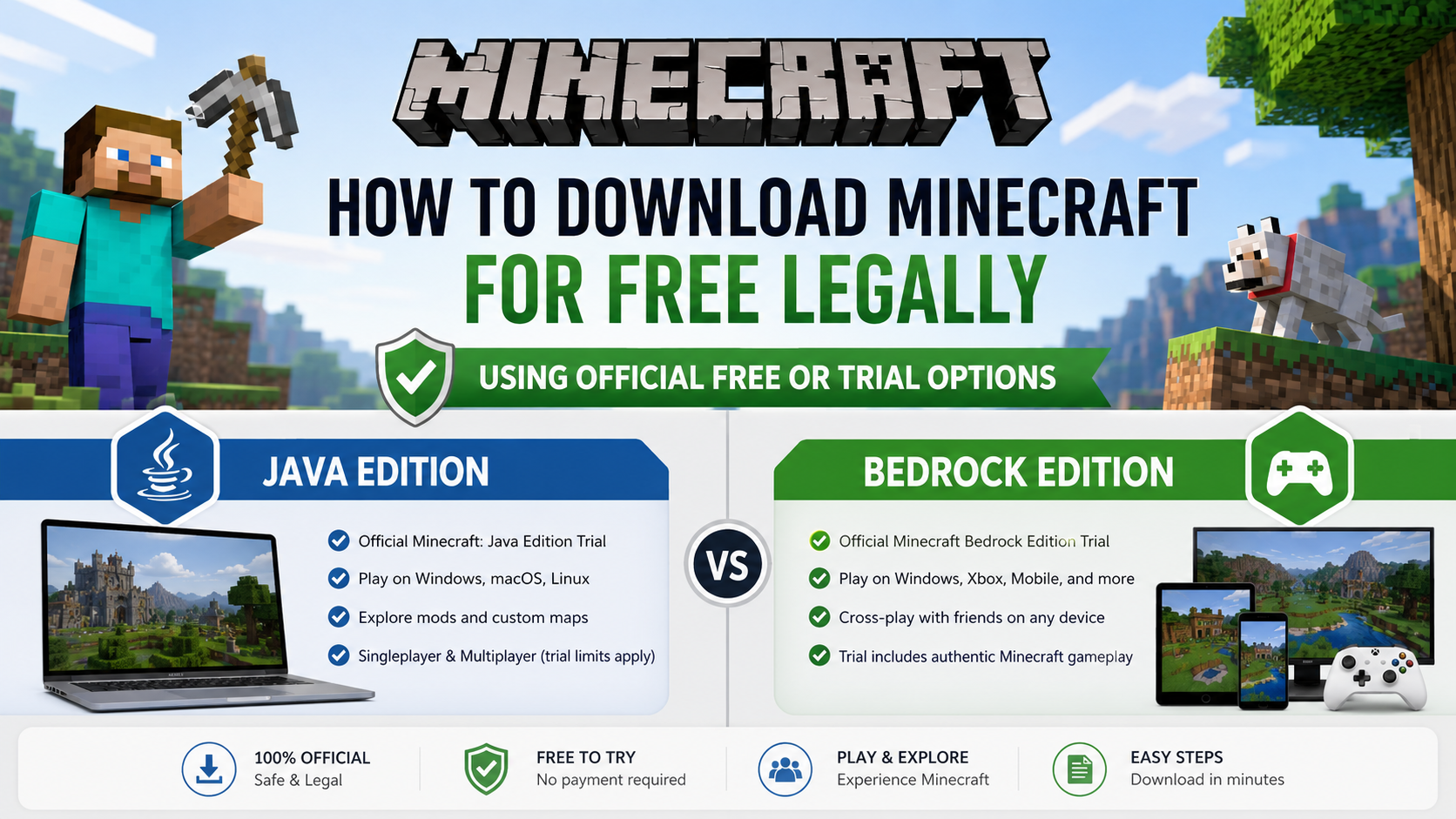
Choose Java Edition if you are using a Windows, macOS or Linux computer and want the traditional PC version, community servers and Java-specific mod support after purchasing.
Choose Bedrock Edition if you play on Android, Windows, consoles or other cross-platform devices. Bedrock is designed for cross-play with other Bedrock players, while Java players generally play with Java users. Java and Bedrock are different editions even though both are called Minecraft.
| Your device | Best official starting point |
|---|---|
| Windows PC | Minecraft Launcher demo or Bedrock trial, if offered |
| macOS | Java Edition demo |
| Linux | Java Edition demo |
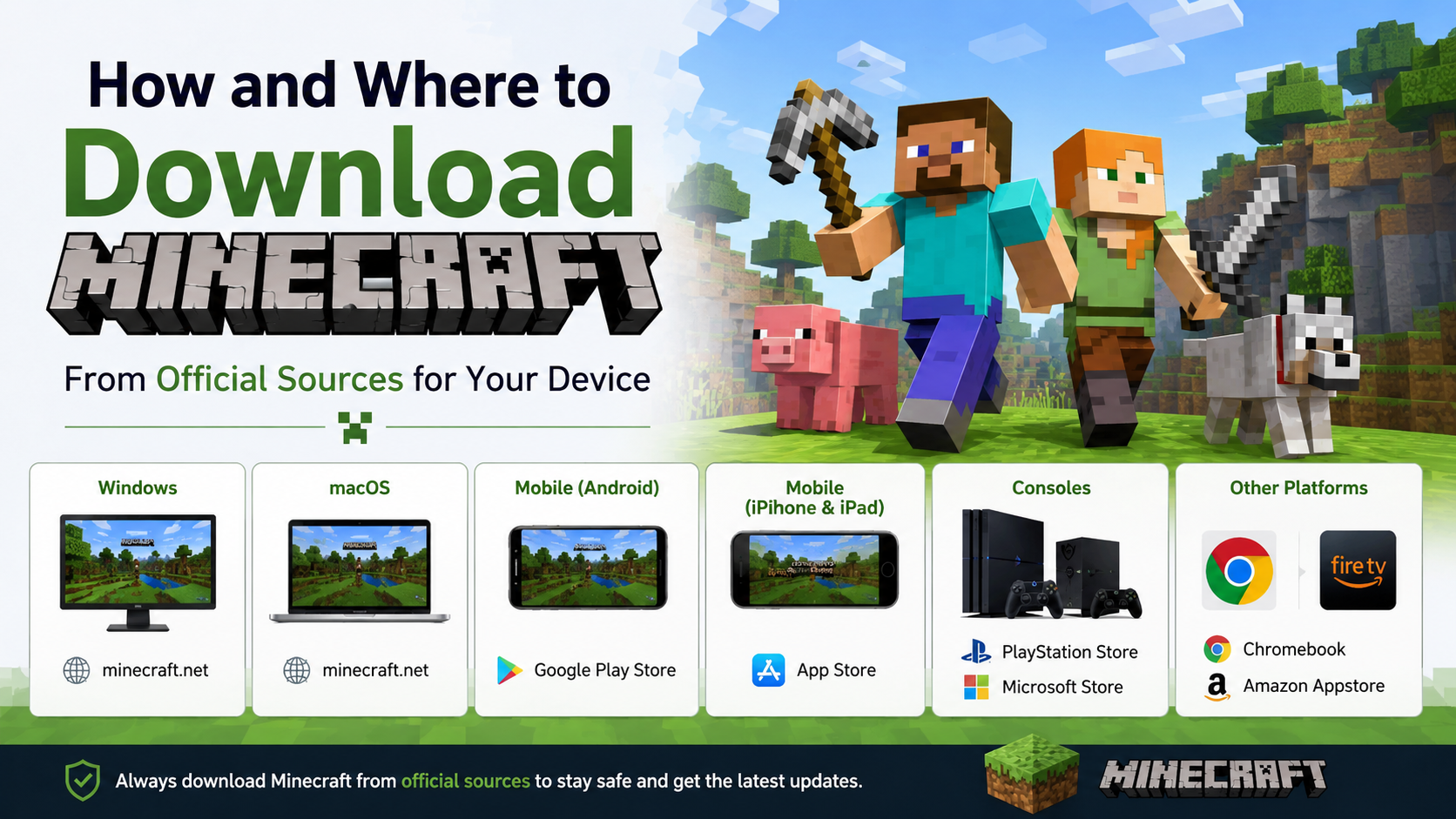
| Android phone/tablet | Minecraft Trial on Google Play |
| iPhone/iPad | Check the official Free Trial page and App Store availability |
| School Chromebook or education device | Minecraft Education demo or eligible trial |
| Xbox, PlayStation or Nintendo console | Check the platform store for an official trial; availability varies |
What You Need Before Installing
Prepare the following before starting:
- A stable internet connection for downloading and signing in
- A Microsoft account for PC launcher access
- Sufficient storage space for the launcher and game files
- An operating system supported by the selected edition
- Updated Google Play, Microsoft Store or console software
- Permission to install apps if the device is managed by a school or parent
Minecraft does not publish one universal hardware requirement for every platform and edition. Check the requirements shown on the official download page or the relevant store listing for your device rather than relying on old blog posts.
Common Problems and Fixes
The launcher only shows “Buy Now”
The account may not qualify for the demo, the launcher may be signed into the wrong Microsoft account, or the trial may not be available in your region. Sign out, restart the launcher and sign in with the intended account. Do not use a second-hand account or unofficial activation key.
Minecraft Trial is missing from Google Play
Search specifically for Minecraft Trial, verify Mojang as the developer and check whether your device and Indian Play account are supported. If the listing is unavailable, do not sideload a random APK.
The download stops or fails
Use a reliable Wi-Fi or mobile connection, pause other downloads and ensure adequate storage. On Windows, update the Microsoft Store and Xbox app, then restart the launcher. On Android, update Google Play Services and clear Play Store cache only through Android’s settings.
The game says the trial has ended
A trial is time-limited by design. Reinstalling the app, changing the device clock or downloading another copy will not legally extend it. Purchase the game through the official store if you want continued access.
Worlds or progress disappeared after purchase
The Android listing warns that trial worlds do not transfer to the full game. Treat trial saves as temporary and back up any files only when the platform officially supports it.
Why You Should Avoid Cracked Minecraft Downloads
Unofficial launchers and modified APKs can include altered game files, hidden malware, intrusive advertisements or credential-stealing code. They may also break after updates, lack customer support and expose children’s accounts or personal data.
A website claiming “Minecraft Java full version free”, “Minecraft PE unlimited coins” or “no verification APK” is not an official distribution channel. Never disable Play Protect or Windows security tools to install a download. For a legitimate free experience, use the launcher demo, an authorised store trial or Minecraft Education’s demo lessons.
Frequently Asked Questions
Can I download the full Minecraft game free forever?
No. The standard Java and Bedrock editions require a purchase or an eligible subscription. Official demos and trials are time-limited.
Is Minecraft Trial on Android the real game?
It is an official Mojang trial of Minecraft Bedrock gameplay, but it has fewer features than the paid version. Creative mode, multiplayer and other full-game features require purchase.
Can I play the PC demo offline?
Minecraft Support says the trial can be played offline after setup on supported platforms, but multiplayer servers are disabled. Sign-in and the initial download still require internet access.
Does the Minecraft free trial work in India?
It may, but availability depends on the device, store and region. Open the official Free Trial page or your platform’s authorised store to see whether the option is offered to your account.
Can I use TLauncher or a cracked launcher legally?
Downloading or using a launcher that bypasses Minecraft ownership requirements is not an official free method. It can create copyright, account-security and malware risks.
Is Minecraft Education the same as Minecraft Java?
No. Minecraft Education is a separate edition with classroom tools, lessons and education-focused features. It may offer demos or trials, but it does not provide a free Java licence.
Will my trial world transfer when I buy Minecraft?
Not always. The official Android listing specifically says trial worlds do not transfer to the full game. Assume that trial progress may be temporary unless the platform documentation says otherwise.
What is the safest Minecraft download link?
Start with Minecraft’s official download and trial pages and use only the store links they provide. On Android, use the Mojang Google Play listing.