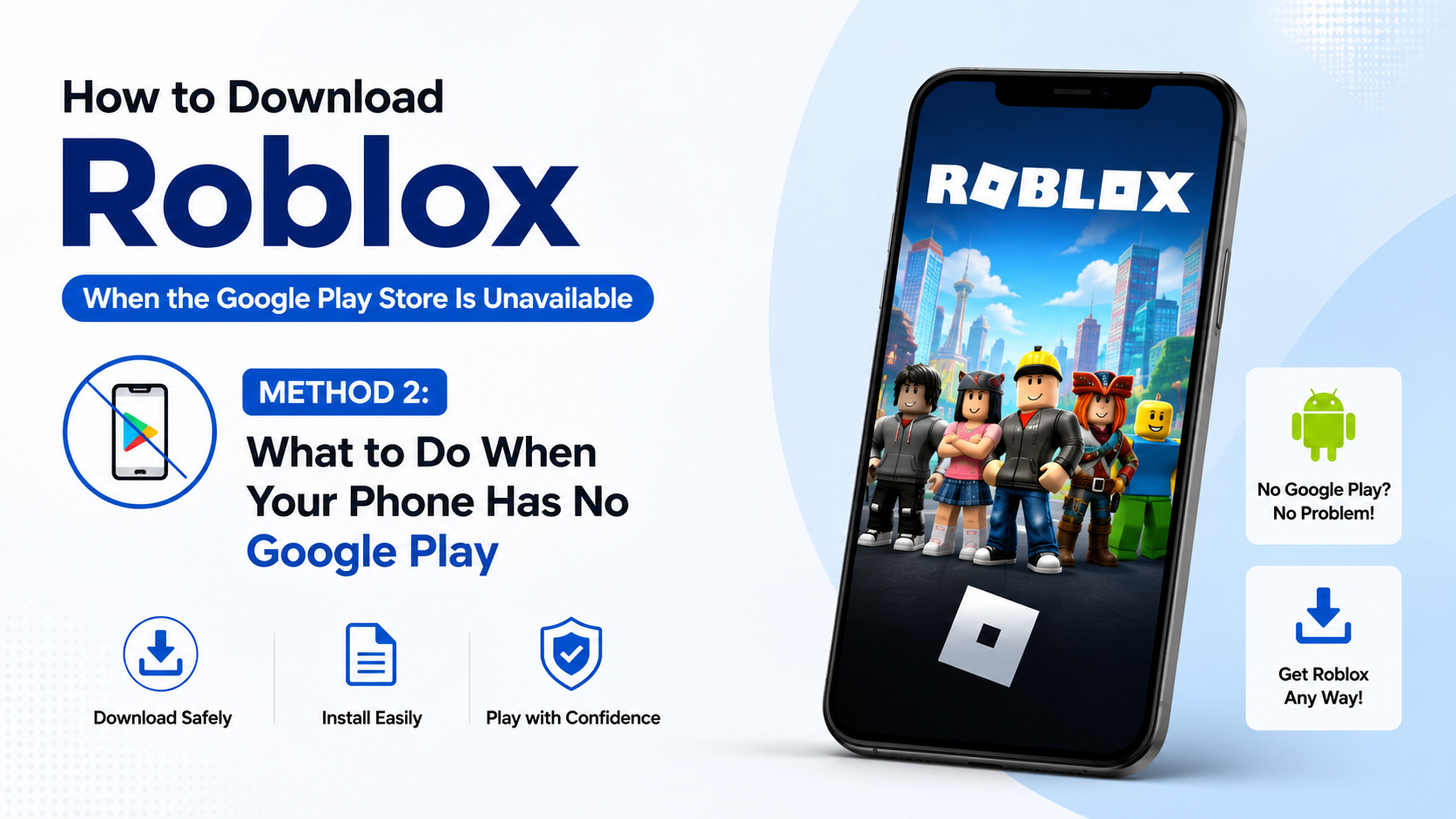
How to Download Roblox When the Google Play Store Is Unavailable
If you are searching for how to download Roblox when the Google Play Store is unavailable, first identify why the Store cannot install it. Roblox is officially listed on Google Play under Roblox Corporation, and the legitimate Android package is com.roblox.client.Roblox on Google Play
When Play Store is temporarily broken, fix it before trying other methods. If your phone does not include Google Play services, use another officially supported platform instead of downloading a modified APK. This guide covers Android, iPhone, Windows and Mac options, compatibility requirements, safe alternatives and common errors.
Key Takeaways
- The safest Android method is the official Roblox listing on Google Play.
- Roblox requires Android 8.0 or later and OpenGL ES 3.0 support.
- If Google Play is unavailable because of a device or region limitation, Roblox does not provide a general official Android APK download page.
- Avoid “Roblox Mod APK”, “Robux generator” and unofficial installer websites.
- Windows users can install the official Roblox - Windows app from Microsoft Store or use Roblox’s download page.
- Free storage, a stable connection and updated system software can resolve many installation failures.
Why Is Roblox Unavailable on Google Play?
“Google Play Store unavailable” can describe several different problems:
- The Play Store app will not open.
- Roblox appears in search but shows “This app isn’t available for your device”.
- Downloading remains stuck on “Pending”.
- Google Play says the app is unavailable in your country or region.
- The phone has no Google Play services, as with some devices sold without Google certification.
- The device is running an old Android version or lacks the required graphics support.
The correct solution depends on the cause. Changing your Google account country or installing a random APK will not solve a hardware incompatibility. It can also create security and account risks.
Roblox’s official mobile requirements state that Android devices need Android OS 8.0 or newer and support for OpenGL ES 3.0.Roblox mobile system requirements Roblox also recommends a reliable internet connection; its support documentation lists a minimum of approximately 4–8 Mbps.
Method 1: Fix Google Play Store and Install Roblox Officially
Use this method if your Android phone normally has Google Play.
Check the official listing

Open the Roblox Google Play listing and confirm:
- Developer: Roblox Corporation
- App name: Roblox
- Package identifier in the URL:
com.roblox.client
Do not rely only on the icon or screenshots. Fake apps may use similar names and logos.
Install Roblox
- Open Google Play Store.
- Search for Roblox.
- Select the app published by Roblox Corporation.
- Tap Install.
- Wait for the download and installation to finish.
- Open Roblox and sign in or create an account.
A network connection is required to play. Roblox’s Google Play listing also states that the app includes in-app purchases, so review purchase controls if a child will use the account.
If the Play Store will not download it
Google recommends checking the connection, available storage, Android updates, and restarting the Play Store or device.Google Play download troubleshooting
Try these steps in order:
- Switch between Wi-Fi and mobile data. Indian mobile networks can experience DNS or congestion problems, so test a different connection if possible.
- Open Settings > Storage and keep at least 1 GB free. Google identifies very low storage as a common reason installations fail.
- Restart the phone.
- Install pending Android system updates.
- Open Settings > Apps > Google Play Store > Storage and choose Clear cache. Menu names vary by manufacturer.
- Repeat the process for Google Play services if the Store still fails.
- Check that automatic date and time are enabled.
- Try the Roblox listing again.
Clearing Play Store cache does not remove your Roblox account. Clearing Roblox app data, however, signs the app out and removes locally stored app data.
Method 2: What to Do When Your Phone Has No Google Play
Some Android phones and tablets are sold without Google Mobile Services. Others use a manufacturer-specific app store. In that situation, searching for “Roblox APK download” may produce websites offering modified or repackaged files.
Roblox’s official download page provides platform downloads, but it does not function as a general public Android APK repository.Roblox download page Roblox support also advises users who see anti-cheat or security warnings to uninstall unofficial versions and reinstall Roblox from the official website or official app stores.Roblox anti-cheat guidance
Therefore, the safest choices are:
- Use an Android device with certified Google Play access.
- Use a supported iPhone, iPad, Windows PC or Mac.
- Check whether Roblox is officially distributed through your device manufacturer’s store. Only use a listing that clearly identifies Roblox Corporation and is linked from the manufacturer’s own store.
- Contact Roblox Support if you believe the app is blocked incorrectly.
Do not disable Android security protections simply to install an APK. A sideloaded file can be modified, outdated or bundled with malware, phishing screens or unwanted permissions. Roblox warns that third-party services may contain harmful code and are not controlled by Roblox.Roblox Terms of Use
Method 3: Download Roblox on Windows When Android Is Not an Option
A Windows computer is an official alternative if your phone cannot access Google Play.
Microsoft Store method
- Open the Microsoft Store in Windows.
- Search for Roblox - Windows.
- Confirm that the publisher is Roblox Corporation.
- Select Get or Install.
- Launch the app from the Start menu and sign in.
Roblox says the newer Microsoft Store application is named “Roblox - Windows” and uses a blue icon. The older Store app is simply named “Roblox”.Roblox Microsoft Store announcement
Roblox website method
You can also visit roblox.com/download or log in at Roblox.com, select an experience and press Play. Follow the browser prompt to download and install the official Roblox Player. Use only the roblox.com domain; similarly named download sites are not official.
Method 4: Use an iPhone, iPad or Mac
On iPhone or iPad, install Roblox from Apple’s App Store by searching for Roblox and confirming Roblox Corporation as the developer. Roblox’s current mobile requirements specify iOS 14 or iPadOS 14 and newer, with minimum supported devices including iPhone 6s, iPhone SE, iPad Air 2 and later models listed by Roblox.Roblox mobile system requirements
For Mac, open Roblox’s official download page and choose Download Mac App. Avoid Mac download portals that repackage the installer.
Roblox Compatibility Checklist
| Platform | Official source | Minimum requirement stated by Roblox |
|---|---|---|
| Android phone/tablet | Google Play | Android 8.0+, OpenGL ES 3.0 |
| iPhone/iPad | Apple App Store | iOS/iPadOS 14+ |
| Windows PC | Microsoft Store or Roblox.com | Use a supported, updated Windows installation |
| Mac | Roblox.com/download | Download the Mac app from Roblox |
| Amazon Fire tablet | Amazon Appstore where available | Supported Fire generations listed by Roblox |
Meeting the operating-system requirement does not guarantee smooth performance. Roblox notes that some Android devices may display compatibility warnings because hardware varies widely. Graphics performance, RAM, thermal throttling and network stability all affect gameplay.
Common Problems After Installation
“This app isn’t compatible with your device”
Check Settings > About phone for the Android version. If it is below Android 8.0, update the device if the manufacturer provides an update. If the phone supports Android 8.0 but still fails, it may lack OpenGL ES 3.0 or have unsupported hardware.
Download stuck on “Pending”
Free storage, restart the phone, and test another network. Pause other large downloads and confirm that Google Play services is enabled.
Roblox installs but closes immediately
Update Android, Google Play services and Roblox. Restart the phone and remove unofficial Roblox clients, emulators or exploit tools. Roblox specifically says emulator use such as BlueStacks or NoxPlayer may trigger anti-cheat restrictions.Roblox anti-cheat guidance
“Not available in your country or region”
Do not use a VPN to bypass store restrictions or download a modified package. Check whether the message is caused by your Google Play country profile, parental controls, device certification or a temporary Store error. Google Support or your device manufacturer can clarify account and certification issues.
Login or connection errors
Use the correct Roblox username and password, enable automatic date and time, and try Wi-Fi. If the service itself is experiencing an outage, reinstalling the app will not fix it; check Roblox’s official status and support channels.
Is It Safe to Download a Roblox APK?
An APK is an Android installation file. APK installation from outside Google Play is called sideloading. The file may be legitimate, but users often cannot verify whether an APK has been altered or whether it will continue receiving secure updates.
Avoid any download that promises:
- Free Robux
- Unlocked items or premium features
- “No-ban” or “anti-cheat bypass” tools
- Roblox Lite or modified clients without an official Roblox announcement
- A requirement to enter your Roblox password on a third-party website
Roblox says cheating and exploit downloads are frequently used to spread malware or steal passwords.Roblox cheating and exploiting warning If you already installed an unofficial version, uninstall it, run your device’s security scan, change your Roblox password from the official website and enable available account security features.
Frequently Asked Questions
Can I download Roblox directly from the Roblox website on Android?
Roblox’s website is an official source, but its download page does not provide a general Android APK link. For Android, Roblox directs users to official app stores, primarily Google Play. Use a supported device or another official platform if Play Store access is unavailable.
Is Roblox banned in India?
The Google Play listing is available under Roblox Corporation, but availability can vary by device, account, network or temporary store conditions. If the listing is missing, diagnose the specific Play Store or device issue instead of assuming a nationwide ban.
Can I install Roblox from APKPure, APKMirror or another APK site?
These are third-party sources, not Roblox-operated distribution channels. Roblox cannot guarantee the authenticity, update path or safety of files hosted there. Avoid them when an official installation route is available.
What Android version is required for Roblox?
Roblox currently lists Android 8.0 or higher, with OpenGL ES 3.0 support required. New devices and pre-release operating-system versions may not be supported immediately.
Can I play Roblox without installing the app?
Roblox experiences generally require the Roblox application or Player. A normal mobile browser cannot replace the Android or iOS app for gameplay.
Why does Roblox show a security or tampering warning?
The warning can be caused by an unofficial Roblox build, modified files, exploit software or an emulator. Remove unofficial software and reinstall Roblox from Google Play, the App Store, Microsoft Store or Roblox.com.
Will reinstalling Roblox delete my account or Robux?
Reinstalling removes the local app, not your online Roblox account. Sign in with the same credentials afterward. Purchases and Robux are linked to the account, although platform purchase issues may require Roblox Support.
What is the best option for an old Indian Android phone?
First check Android 8.0, OpenGL ES 3.0, storage and connection requirements. If the device cannot meet them, use a newer supported phone, tablet or computer rather than forcing an unofficial APK installation.